Contents +
B2B export website setup | Have you bought the most suitable server hosting?
Source: 创同盟
Date: 2025-07-14
Views: 1861
This article focuses on a comparative analysis of servers used before setting up a B2B export website. Servers directly impact Google SEO, as website speed, user experience, and data security all depend on them.
introduction
For B2B export websites, the market offers a variety of server types, including WordPress virtual servers, shared servers, VPS servers, dedicated servers, and cloud servers. Confused by these terms? CTMON (www.ctmon.com) explains the features and suitable uses of each option to help export businesses choose.
1. Are you confused about the concepts of host and server?
In the scenario of setting up a B2B export website, the "host" you choose is essentially a server . Why is that?
1.1 The actual meaning of "hosting" in foreign trade website building
The terms "foreign trade hosting" and "web hosting" that we often use are actually common industry terms. Essentially, they refer to servers used to store website files, run website programs, and provide access services to visitors .
Whether it's shared hosting, VPS (Virtual Private Server), dedicated server, or cloud server, the core function is to serve as the "background operating platform" for a website, providing services such as webpage loading and data interaction for global visitors—which perfectly matches the definition of a "server" (a computing device that provides services to other devices/users).
1. 2 Why is it called a "host" instead of a "server"?
There is nothing wrong with using simplified names, and they are easier for website users to understand.
Industry practice: For individuals or small and medium-sized enterprises building websites, service providers often refer to the "server used to store the website" as "hosting," especially for products such as shared hosting and entry-level VPS, which emphasize the attribute of "serving as website storage space" and downplay the technical concept of "professional server."
Functional focus: The core function of this type of device is to "host a website". For ordinary users, "host" is easier to understand as "website storage space", while "server" sounds more like a complex technical device.
1.3 in conclusion
When you set up a B2B export website, the "hosting" you choose is essentially a type of server (a server optimized for website services) . However, depending on the configuration and form, there are sub-types such as virtual hosting, VPS, and cloud servers.
When choosing a website, don't worry too much about the name. Focus on its performance (such as bandwidth and load capacity), stability (whether it runs 24/7), compatibility (whether it supports commonly used programs for foreign trade websites such as WordPress and Shopify), and access speed (latency for overseas visitors), etc.
2. Is a VPS server a virtual shared server?
VPS is a virtualization technology based on physical servers , essentially "sharing physical hardware". However, it is fundamentally different from the "sharing" in "shared server" in that the key differences lie in "whether resources are isolated" and "whether there is a dedicated quota" .
2.1 Whether it is "independently isolated"
Shared servers : This is " unisolated sharing "—all users are "sub-accounts" under the same operating system. For example, if a server is running Windows Server, all users are assigned folders through a "virtual hosting management system." Essentially, it is "permission isolation for multiple folders under the same system." If one user's program crashes, it may affect the entire server.
VPS servers are " isolated sharing " – each VPS has its own independent operating system (such as CentOS or Ubuntu) and its own root privileges, which is equivalent to "a mini computer". If the system of other VPS crashes, gets infected with a virus, or is even attacked, it will not affect your VPS.
2.2 Are the resources "exclusive"?
Shared servers: All users share a resource pool. Resources (CPU, memory, bandwidth) are completely mixed together without fixed allocation. Whoever gets more gets to use them first, leading to severe interference. For example, if a server has a total of 8GB of memory and 100 users share it, one user's program might suddenly use 5GB, leaving only 3GB available for others, or even causing lag.
VPS servers: Using virtualization technology, a physical server is divided into multiple independent "virtual servers (VPS)," and each "VPS" is allocated "dedicated resources." These resources are strictly isolated and do not interfere with each other. For example, if a physical server has 8GB of memory, it can be divided into 4 VPSs, each with a fixed 2GB. Even if other VPSs do not use their memory, your 2GB will not be used by others, and vice versa.
2.3 Examples from daily life
Imagine a physical server as "a building":
Shared server : It's like "a large living room shared by dozens of people". Everyone shares a sofa, a refrigerator, and a bathroom. There is no clear ownership. Whoever gets it first gets to use it. During peak hours, it gets so crowded that if others occupy too much space, you may not even have a place to sit.
VPS server : It's like "dividing a large living room into multiple independent rooms". Each room has its own bed, desk, and wardrobe (fixed resources). Your use in your own room is not affected by other rooms. Although the foundation (physical hardware) of the whole building is shared, your "exclusive space" is fixed and cannot be taken away by others.
2.4 Summary
Therefore, the "shared" in VPS only refers to "shared physical server hardware," but in terms of resource quotas, system isolation, and usage independence, it is not the same concept as a shared server at all—it is more like a "virtual independent server," which is why it is called "Virtual Private Server."
in conclusion
Shared hosting: an entry-level shared option for beginners with limited budgets and basic requirements.
VPS servers: "Cost-effective single rooms" that balance cost and stability, suitable for the growth stage of small and medium-sized websites.
When choosing a server, businesses should comprehensively consider their current business scale, budget constraints, technological capabilities, and future development plans. In the next article, CTMON (www.ctmon.com) will explain whether dedicated servers or cloud servers are more suitable for your B2B export website.
Related content
Does your B2B export website's domain name help with Google SEO?

What does international social media management service include? 2026 Guide to Social Media Management for Export Businesses
2026-10-28

How to write a WordPress product page that will make overseas buyers want to send inquiries?
2026-10-28

How to fix WordPress form emails not sending: Practical WP Mail SMTP configuration
2026-10-27

Are foreign trade promotion companies reliable? Six key criteria for businesses to judge promotion service providers in 2026.
2026-10-26

How do I set up an email account for export businesses? How can I configure it to avoid it ending up in the spam/junk mail folder?
2026-10-26
Related Articles
Are foreign trade promotion companies reliable? Six key criteria for businesses to judge promotion service providers in 2026.
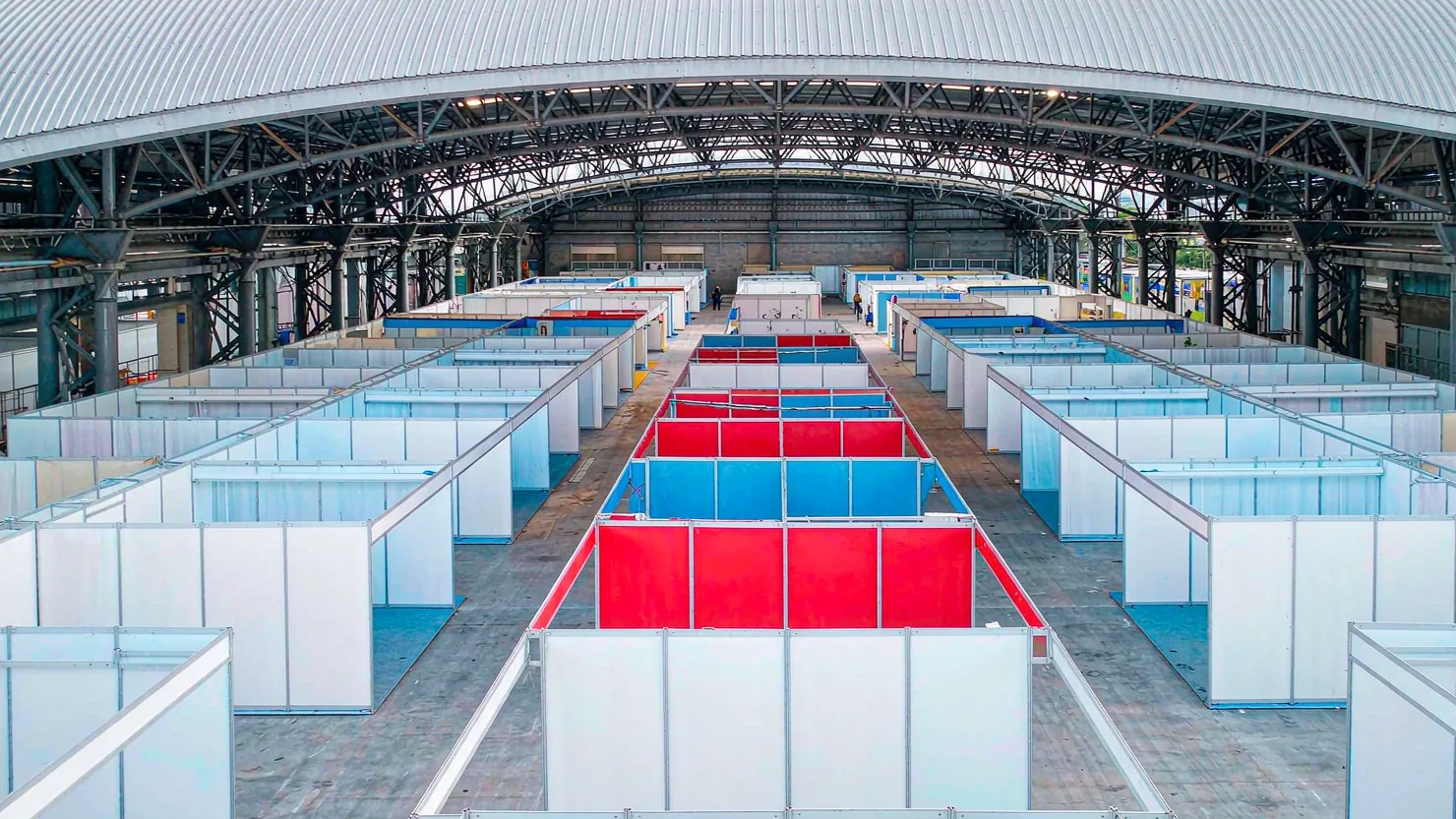
The 140th Canton Fair Opens: How can export businesses seize overseas sourcing opportunities through digital marketing?

How to Choose an Overseas Promotion Company for Foreign Trade? 2026 Service Provider Selection Criteria and Evaluation Guide
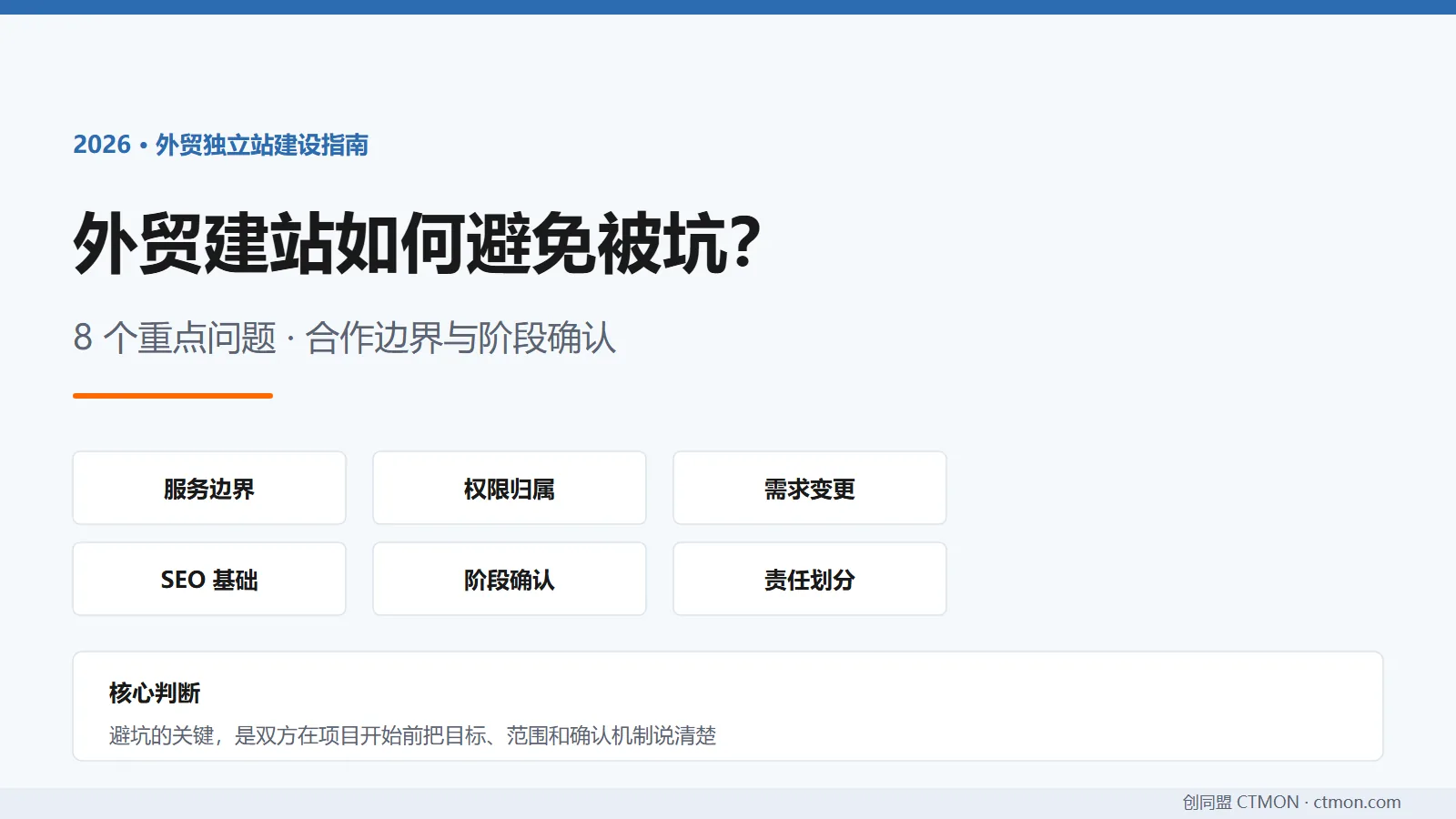
How to avoid pitfalls when building a B2B export website? A guide to avoiding common mistakes in B2B export website development in 2026.
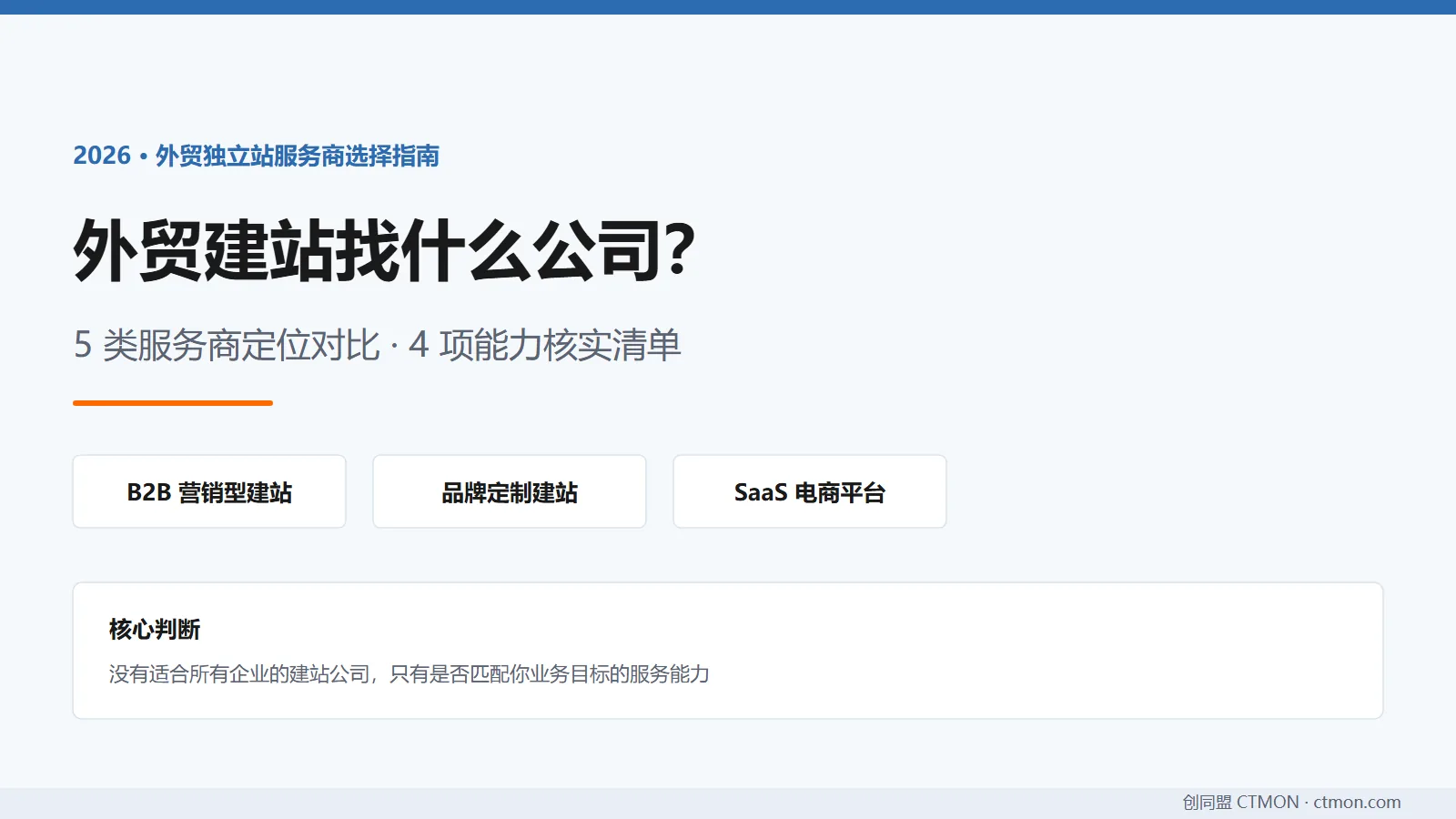
Which company should I choose for building a B2B export website? A comparison and recommendation of B2B export website service providers in 2026.

