Contents +
How can I quickly check my website's Google indexing status?
Source: 创同盟
Date: 2024-01-19
Views: 1298
You can get a preliminary understanding of your website's indexing status by simply using the Google search command "site:". Enter "site:+域名" directly into the search box. If it returns correct results, it means your website has been indexed. This search method applies to all Google search products and services. The "site" command will not display all relevant results; there may be cases where the "site" command does not return correct results, but Google Search Console shows that your website is indexed.
In addition to the methods mentioned above, you can also use Google Search Console to view more detailed and accurate Google indexing information.

What does international social media management service include? 2026 Guide to Social Media Management for Export Businesses
2026-10-28

How to write a WordPress product page that will make overseas buyers want to send inquiries?
2026-10-28

How to fix WordPress form emails not sending: Practical WP Mail SMTP configuration
2026-10-27

Are foreign trade promotion companies reliable? Six key criteria for businesses to judge promotion service providers in 2026.
2026-10-26

How do I set up an email account for export businesses? How can I configure it to avoid it ending up in the spam/junk mail folder?
2026-10-26
Related Articles
Are foreign trade promotion companies reliable? Six key criteria for businesses to judge promotion service providers in 2026.
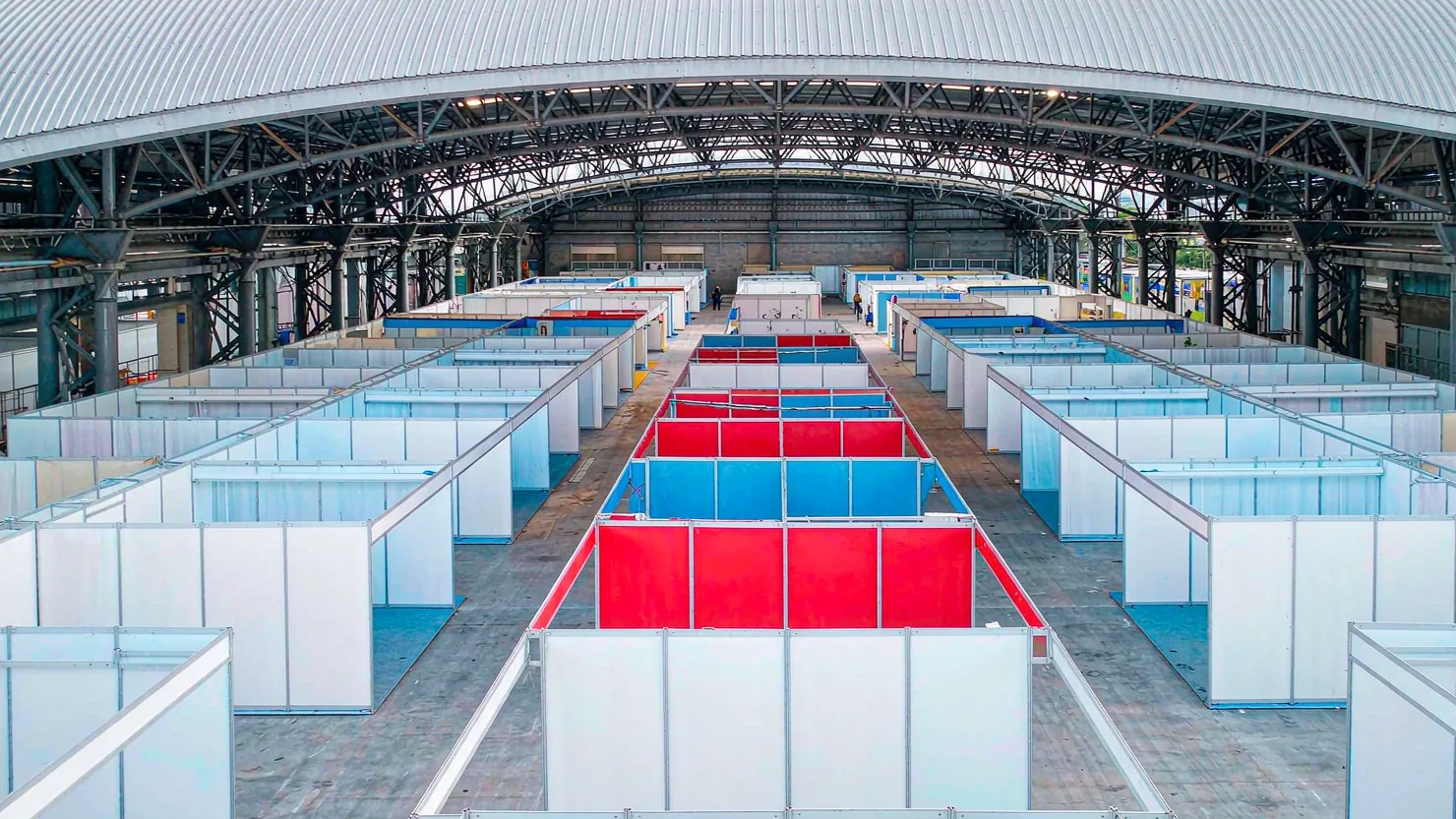
The 140th Canton Fair Opens: How can export businesses seize overseas sourcing opportunities through digital marketing?

How to Choose an Overseas Promotion Company for Foreign Trade? 2026 Service Provider Selection Criteria and Evaluation Guide
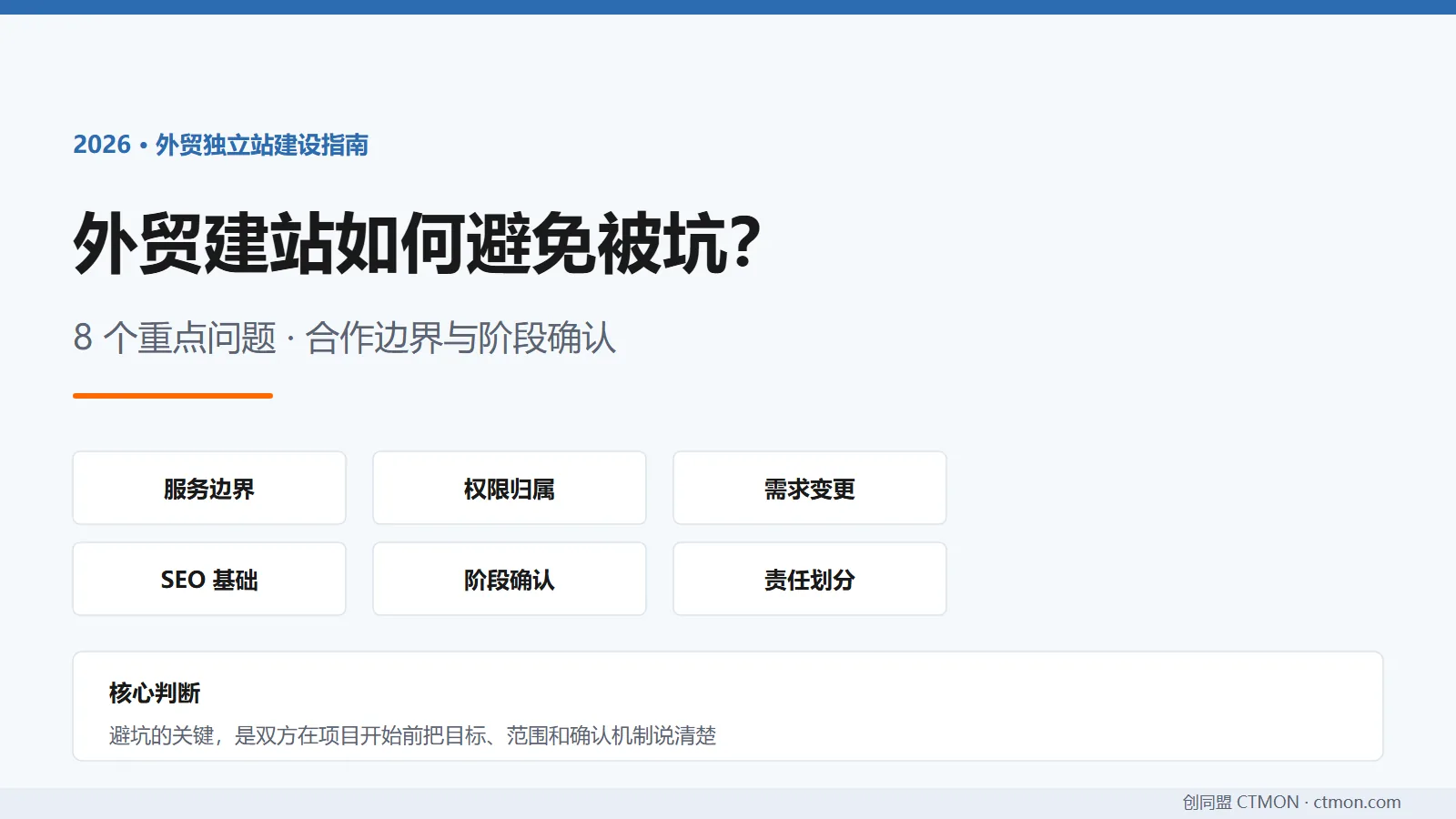
How to avoid pitfalls when building a B2B export website? A guide to avoiding common mistakes in B2B export website development in 2026.
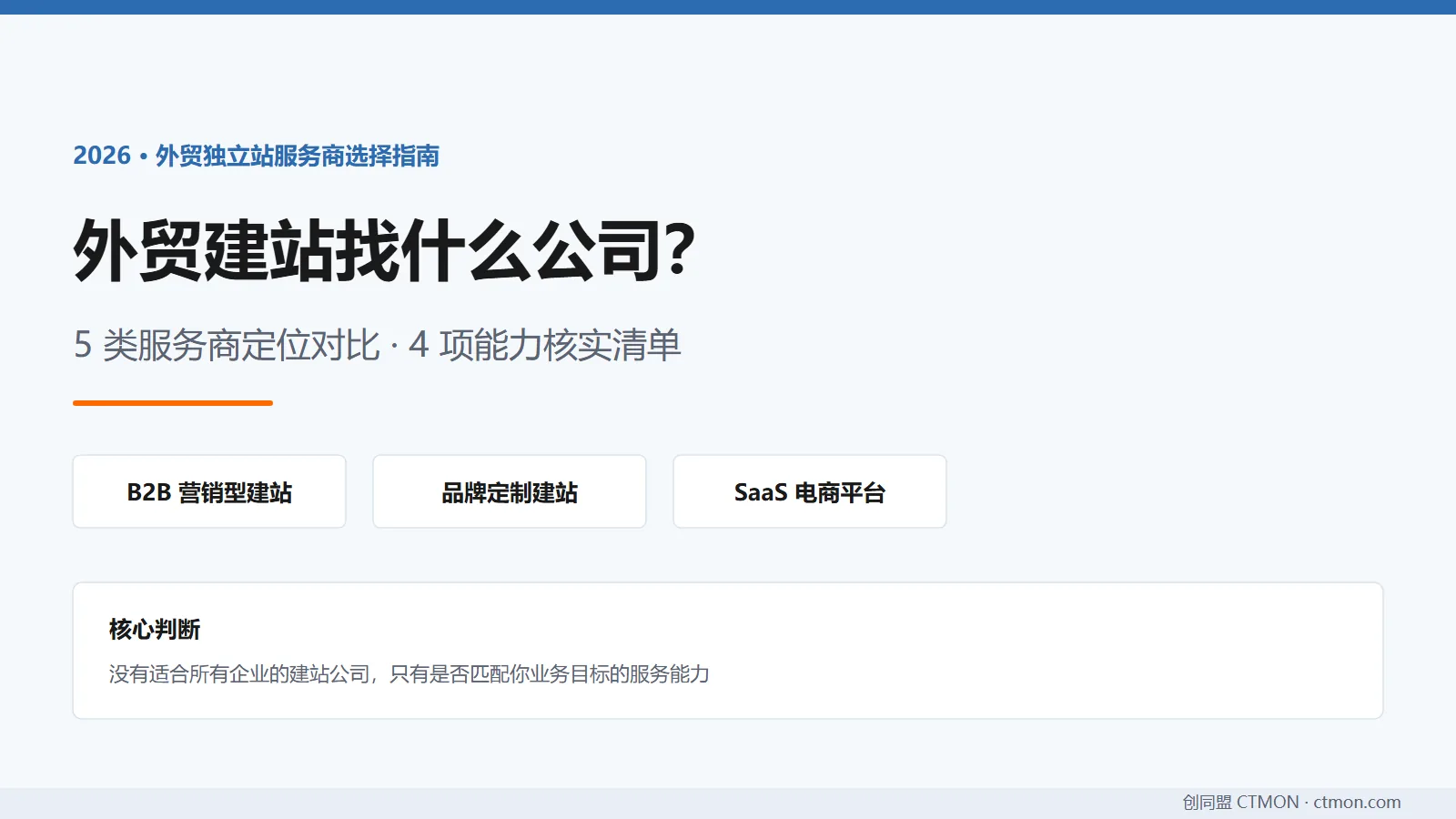
Which company should I choose for building a B2B export website? A comparison and recommendation of B2B export website service providers in 2026.

