Contents +
What exactly is a Tag in GTM?
Source: 创同盟
Date: 2024-02-01
Views: 1149
Xiaochuang: A tag is a piece of code typically used to send information to third parties, such as Google Analytics. Tags are often provided by analytics, marketing, and support providers to help website owners integrate their products into their websites or mobile applications.
With Google Tag Manager, developers no longer need to maintain these JavaScript code snippets in the website's source code. Website owners can specify which tags to trigger and when to trigger them from within the Google Tag Manager user interface. Common tag examples include: Google Analytics PageView tags, Google AdWords Conversion tags, Facebook Pixel tracking tags, and LinkedIn Insights tags.
In addition, tags can also be code snippets that perform specific functions on a website, such as code for an email pop-up tool, code for changing browser colors, etc.
Q: How can tags near the bottom of a page help Google discover it?
1. Use the appropriate HTML element
to define the footer area.
2. Add a tag in the page head
that points to the sitemap. A sitemap lists the pages on a website and helps search engines discover them.
3. Use appropriate tags in the page head
to provide metadata about the page.
4. Make labels clear and concise so that Google can better understand their meaning and purpose.

What does international social media management service include? 2026 Guide to Social Media Management for Export Businesses
2026-10-28

How to write a WordPress product page that will make overseas buyers want to send inquiries?
2026-10-28

How to fix WordPress form emails not sending: Practical WP Mail SMTP configuration
2026-10-27

Are foreign trade promotion companies reliable? Six key criteria for businesses to judge promotion service providers in 2026.
2026-10-26

How do I set up an email account for export businesses? How can I configure it to avoid it ending up in the spam/junk mail folder?
2026-10-26
Related Articles
Are foreign trade promotion companies reliable? Six key criteria for businesses to judge promotion service providers in 2026.

The 140th Canton Fair Opens: How can export businesses seize overseas sourcing opportunities through digital marketing?
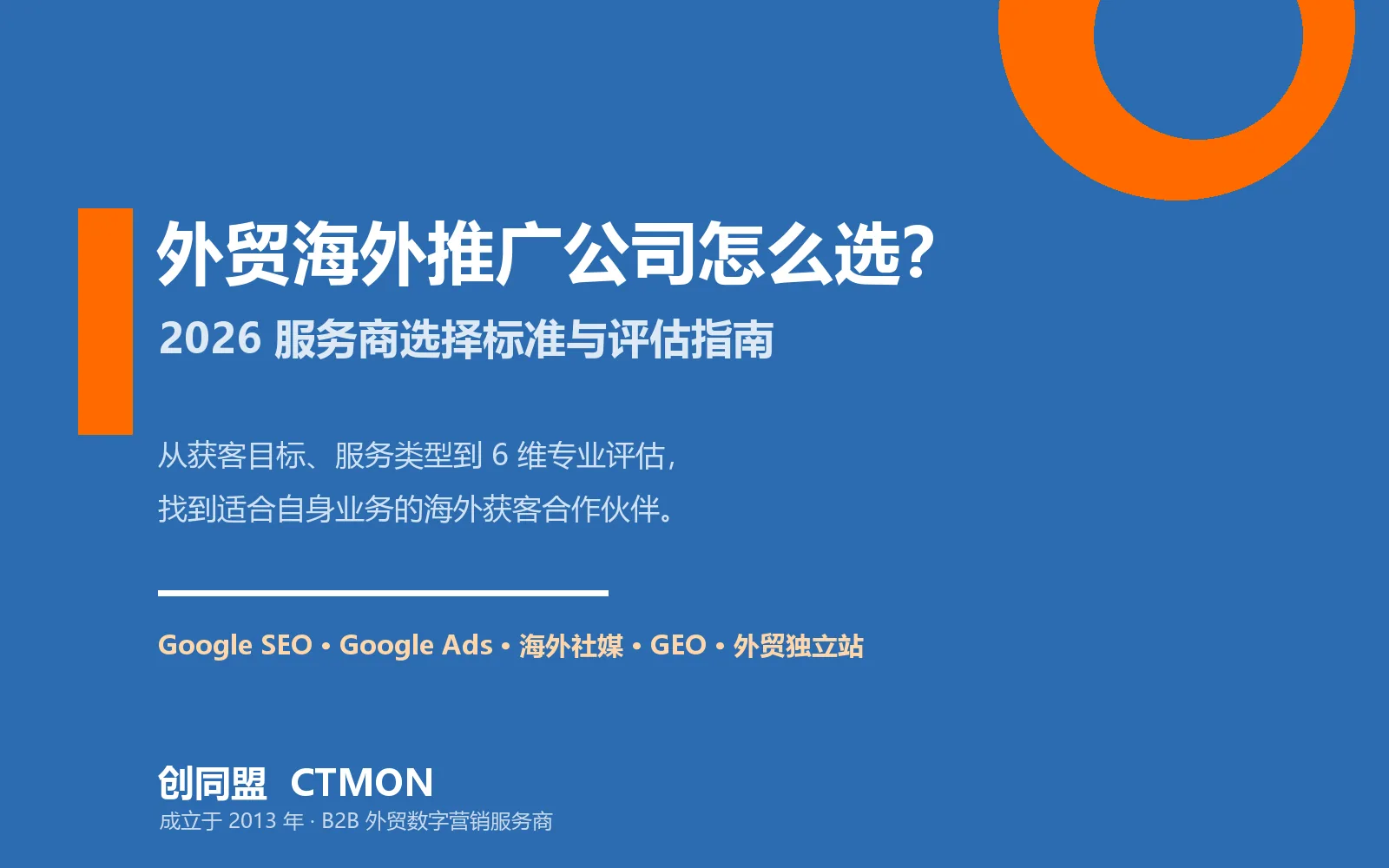
How to Choose an Overseas Promotion Company for Foreign Trade? 2026 Service Provider Selection Criteria and Evaluation Guide
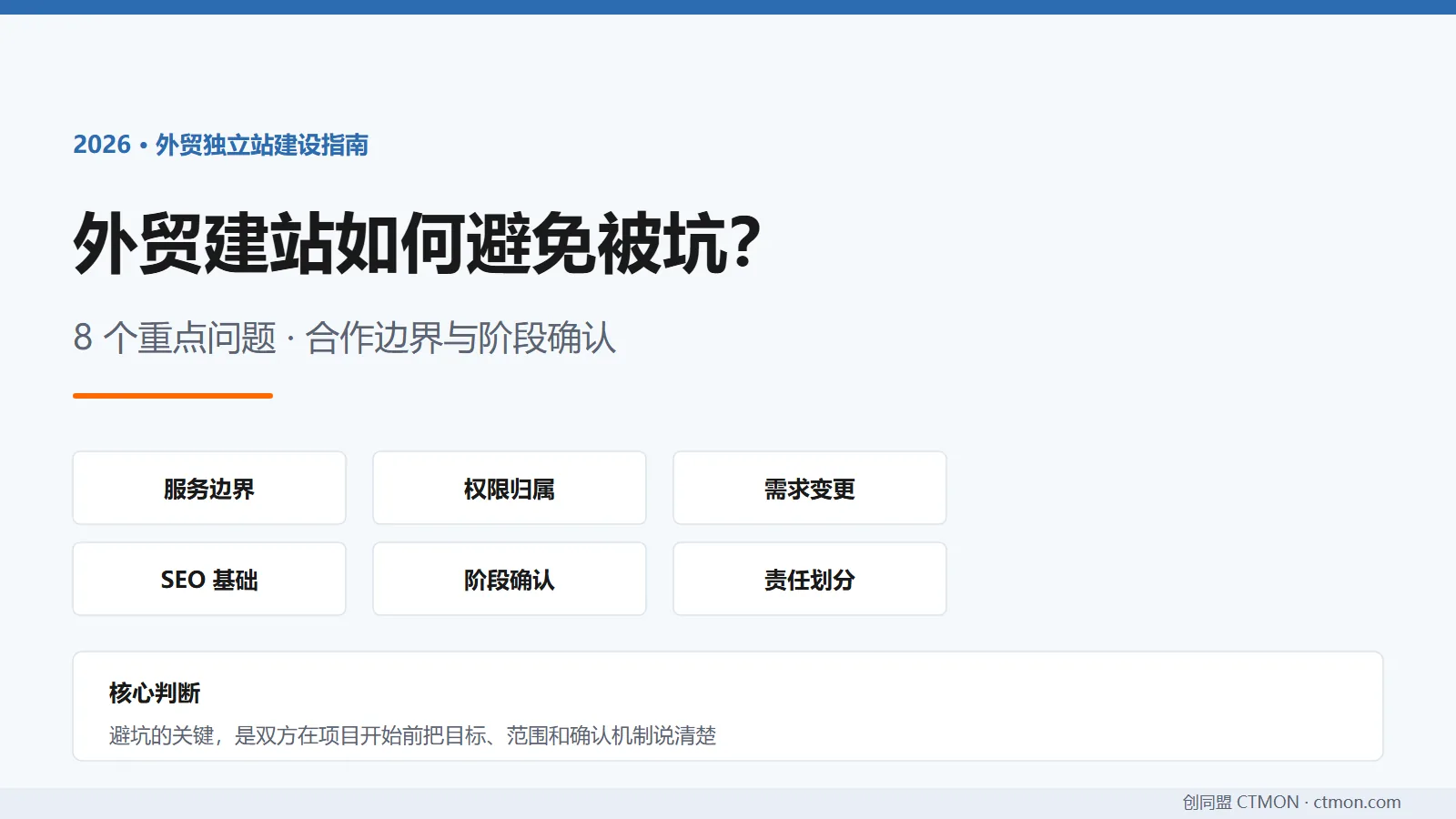
How to avoid pitfalls when building a B2B export website? A guide to avoiding common mistakes in B2B export website development in 2026.
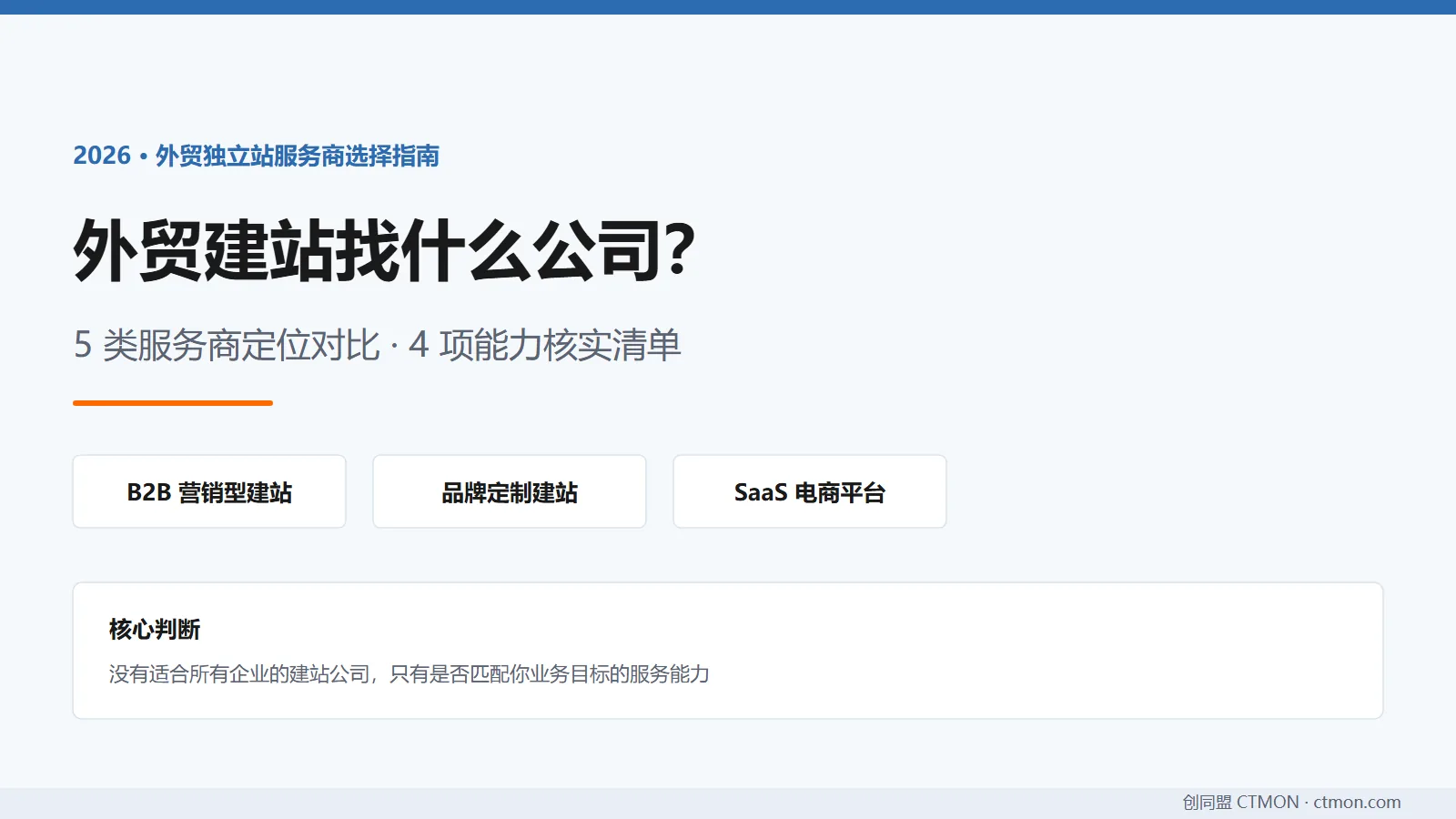
Which company should I choose for building a B2B export website? A comparison and recommendation of B2B export website service providers in 2026.

