Contents +
Optimize loading time and improve user experience
Source: 创同盟
Date: 2024-05-23
Views: 424
In the internet age, website loading speed is a key factor affecting user experience and search engine ranking. Studies show that websites with loading times exceeding three seconds will lose approximately half of their visitors. Optimizing website speed is a crucial task for every website administrator to prioritize in order to improve user experience and SEO performance. This article will share effective methods to accelerate loading times, helping you improve website performance.
I. Why is website loading speed so important?
1. Improve user experience
Users expect websites to load quickly; delayed loading times can lead to user churn and increased bounce rates. A fast-loading website provides a better user experience, increasing user dwell time and conversion rates.
2. Improve SEO ranking
Google and other search engines consider website speed as one of the ranking factors. Websites that load faster are more likely to achieve higher search engine rankings, thus attracting more organic traffic.
3. Increase conversion rate
Loading speed is directly related to conversion rate. Fast-loading websites not only retain users but also increase their willingness to buy or register, thereby improving conversion rate and sales.
II. Methods to Optimize Website Speed
1. Compress and optimize images
Images are often the largest resource on a webpage, and optimizing them can significantly reduce loading time. Using compression tools like TinyPNG or ImageOptim, along with modern image formats like WebP, can reduce file size while maintaining quality.
2. Enable browser caching
Browser caching allows users to load resources directly from their local cache when they repeatedly visit your website, instead of requesting data from the server each time. By configuring the .htaccess file and setting appropriate caching strategies, loading time can be effectively reduced.
3. Use a Content Delivery Network (CDN)
A CDN distributes website content to multiple server nodes globally, allowing users to retrieve data from the nearest node and thus speeding up loading. Cloudflare and Amazon CloudFront are commonly used CDN service providers.
4. Minimize CSS and JavaScript
Minimizing CSS and JavaScript files can reduce file size and speed up page loading. Tools like UglifyJS and CSSNano can be used to remove whitespace, comments, and redundant parts of the code, further optimizing file size.
5. Lazy Loading
Lazy loading allows web pages to load specific content, such as images and videos, only when the user scrolls to a certain position, thus speeding up the initial loading process. A JavaScript library such as LazyLoad.js can make lazy loading easy to implement.
6. Optimize server response time
Choosing a high-performance hosting provider and selecting appropriate server configurations based on website traffic and size can significantly improve website response speed. Regularly optimizing database queries and using caching technologies such as Memcached or Redis also help improve server performance.
7. Enable Gzip compression
Gzip compression can reduce the size of web pages and CSS/JavaScript files, thus speeding up transmission. Enabling Gzip compression on a server can significantly reduce file transfer time and improve loading speed.
8. Use asynchronous loading of JavaScript
Asynchronous loading of JavaScript files can prevent JavaScript files from blocking page rendering, thus speeding up the initial page load. This can be achieved by adding the async or defer attribute.
III. Monitoring and Optimizing Website Speed
1. Use a speed test tool
Regularly use speed testing tools such as Google PageSpeed Insights, GTmetrix, and Pingdom to monitor website loading speed, analyze existing problems, and optimize based on the suggestions provided by the tools.
2. Continuous monitoring and optimization
Website speed optimization is an ongoing process that requires continuous monitoring and optimization. Regularly check website performance, promptly identify and resolve issues affecting loading speed, and maintain optimal website performance.
IV. Conclusion
Optimizing website loading speed not only improves user experience but also enhances search engine rankings and increases conversion rates. Methods such as compressing and optimizing images, enabling browser caching, using a CDN, minimizing CSS and JavaScript, lazy loading, optimizing server response time, enabling Gzip compression, and using asynchronous JavaScript loading can significantly improve website loading speed. We hope the methods and techniques provided in this article will help you accelerate website loading times, providing a better user experience and SEO results. Continue to follow our blog for more practical website optimization tips and the latest information.

What does international social media management service include? 2026 Guide to Social Media Management for Export Businesses
2026-10-28

How to write a WordPress product page that will make overseas buyers want to send inquiries?
2026-10-28

How to fix WordPress form emails not sending: Practical WP Mail SMTP configuration
2026-10-27

Are foreign trade promotion companies reliable? Six key criteria for businesses to judge promotion service providers in 2026.
2026-10-26

How do I set up an email account for export businesses? How can I configure it to avoid it ending up in the spam/junk mail folder?
2026-10-26
Related Articles
Are foreign trade promotion companies reliable? Six key criteria for businesses to judge promotion service providers in 2026.

The 140th Canton Fair Opens: How can export businesses seize overseas sourcing opportunities through digital marketing?

How to Choose an Overseas Promotion Company for Foreign Trade? 2026 Service Provider Selection Criteria and Evaluation Guide
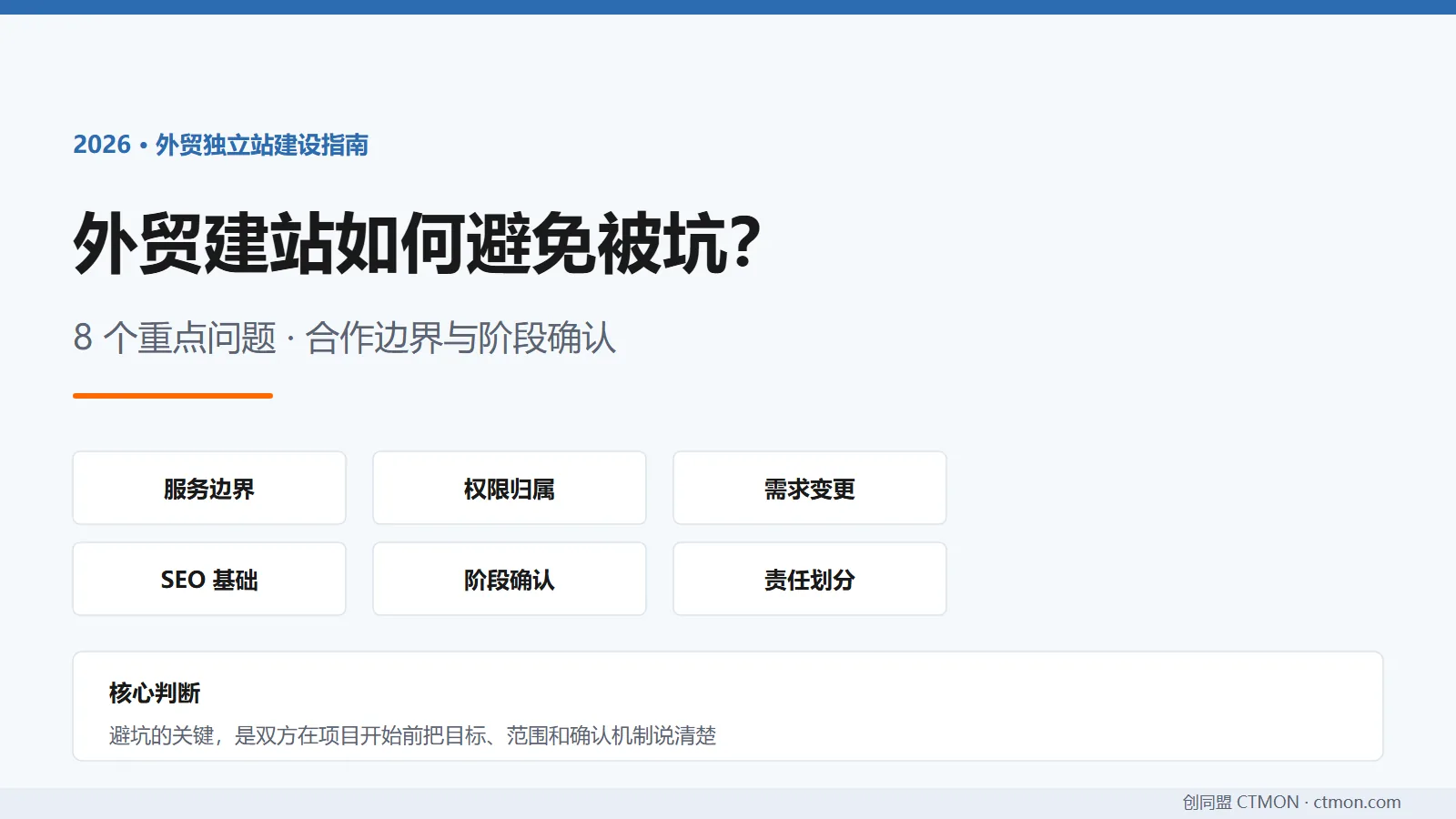
How to avoid pitfalls when building a B2B export website? A guide to avoiding common mistakes in B2B export website development in 2026.
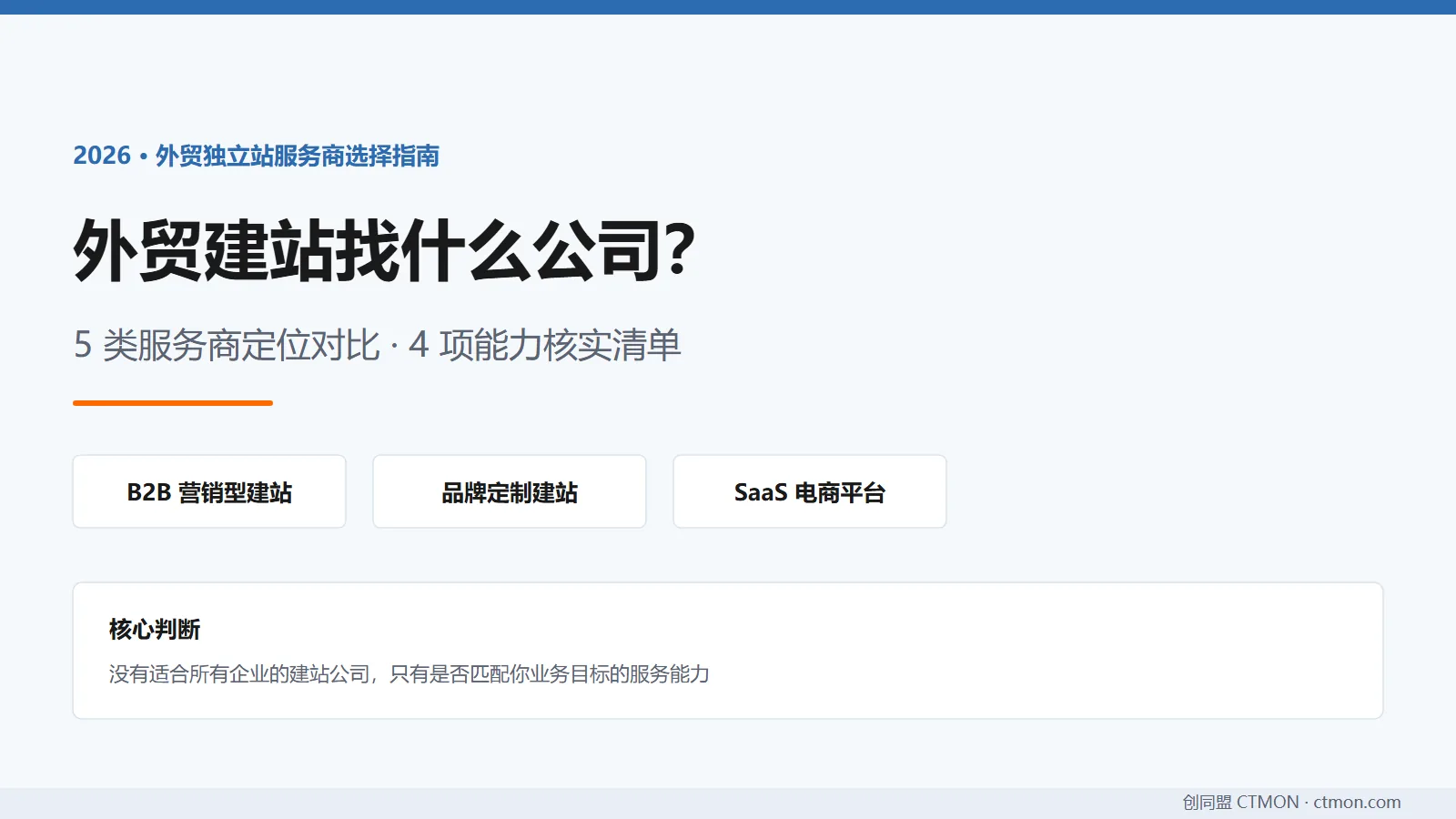
Which company should I choose for building a B2B export website? A comparison and recommendation of B2B export website service providers in 2026.

