Contents +
Google Search Console (Google Webmaster Tools Installation and Authorization)
Source: 创同盟
Date: 2026-06-17
Views: 1029
The primary purpose of Google Search Console is to help website administrators understand how their websites perform in Google search. It allows them to see if their websites are being crawled and indexed by Google, which keywords users use to find them, and provides data such as impressions, clicks, and average ranking, thus enabling a clearer assessment of their website's search performance.
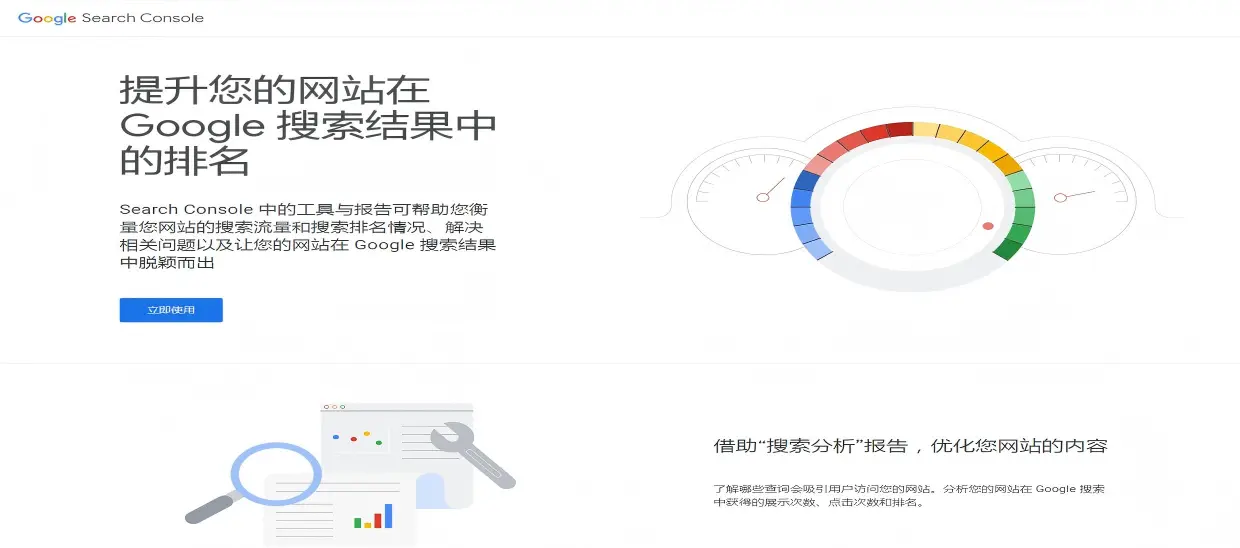
Secondly, Google Search Console can help identify and troubleshoot website issues in search results. For example, it can help identify which pages are not indexed, the reasons for indexing failures, whether a particular page is accessible to Google, and whether the website has problems with mobile experience, structured data, or core page metrics. This allows website operators to quickly pinpoint problems and optimize accordingly.
Finally, Google Search Console can also serve as an important tool for website SEO optimization and daily maintenance. Website administrators can submit sitemaps, request Google to recrawl important pages, and receive alerts from Google regarding indexing, security, or manual penalties. The following section discusses the manual verification and installation process for your site.
I. Installing Google Search Console
1. When using Google's tools, we first need to be in a healthy and stable external network environment, and have a Google account as the login and binding account.
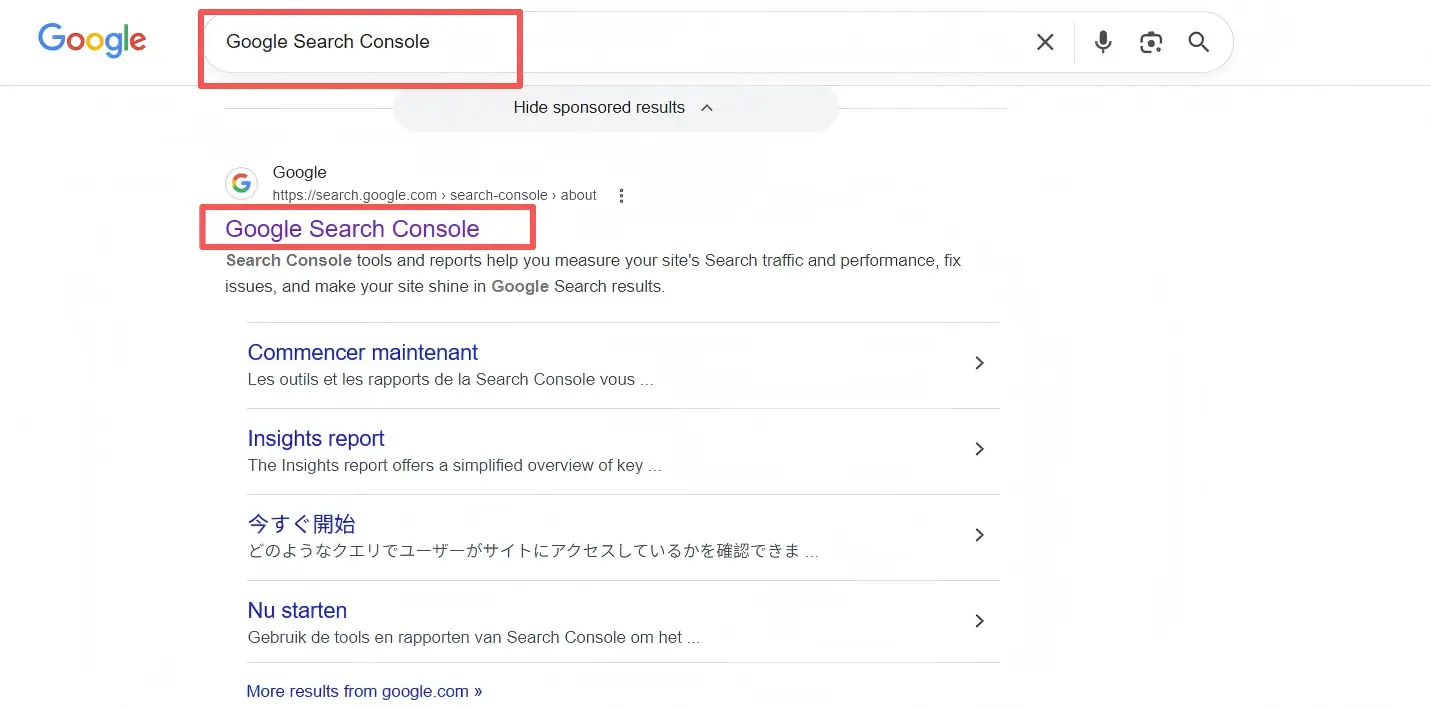
2. Open Google Search Console by clicking the title;
Direct access URL: https://search.google.com/search-console/about
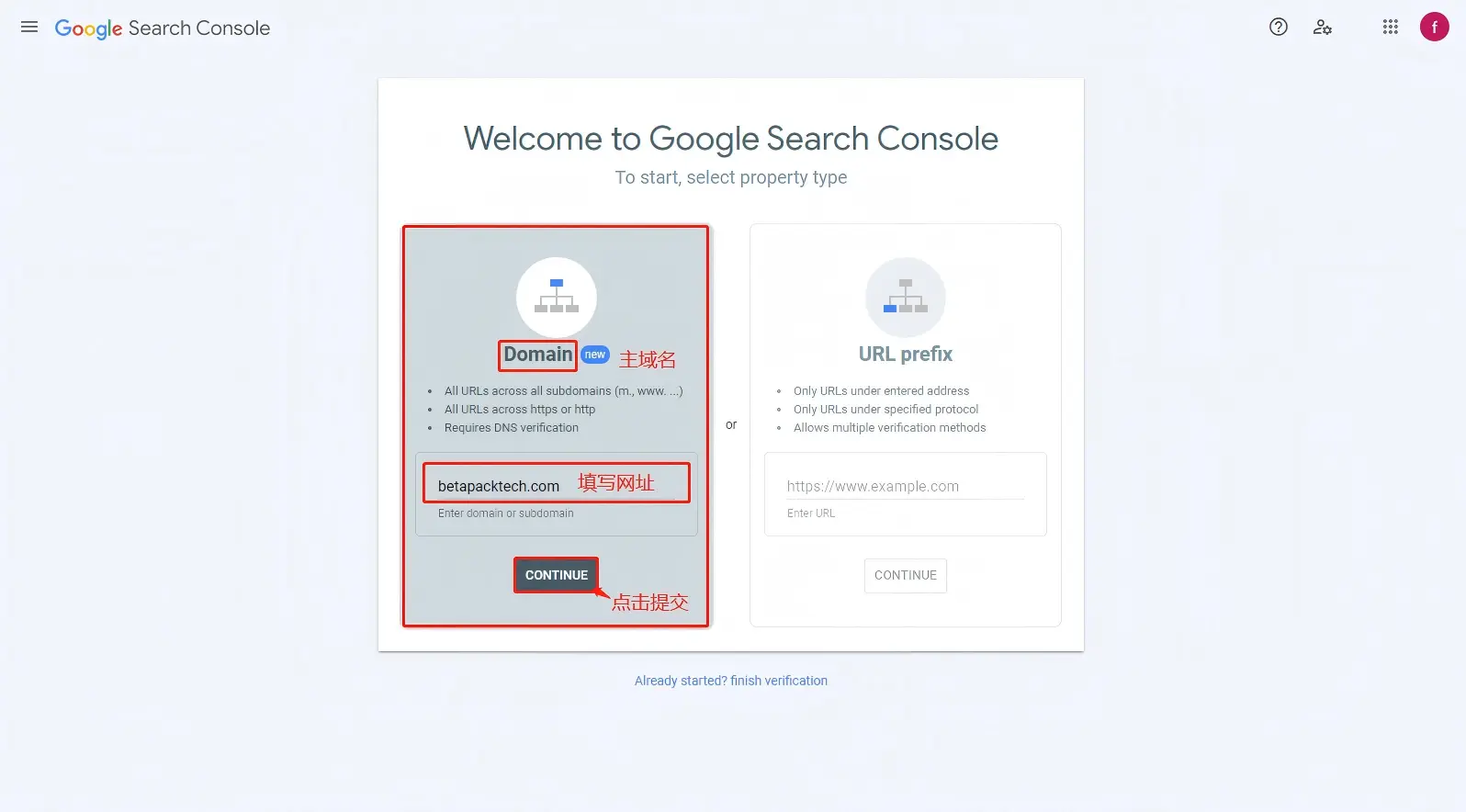
3. Link the website domain to your Google account. Select the main domain, then the URL prefix. Enter the URL and click submit.
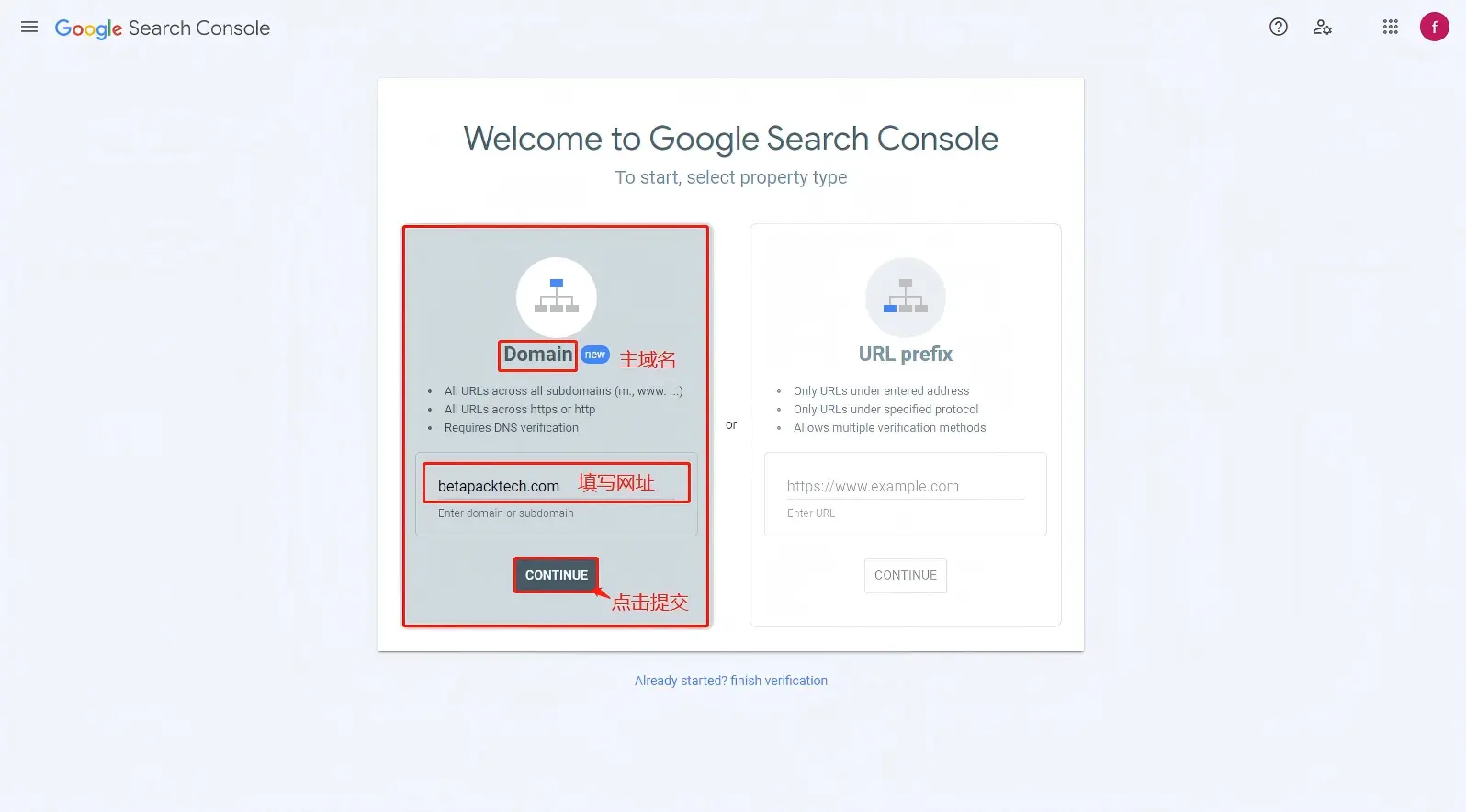
4. Select the txt file for verification, copy the txt string, click Domain Name Resolution, add the Google txt verification string, and save it. After completion, return to the Google Search Console for verification (as domain synchronization takes several hours, you may need to wait).
II. Google Search Console Authorization
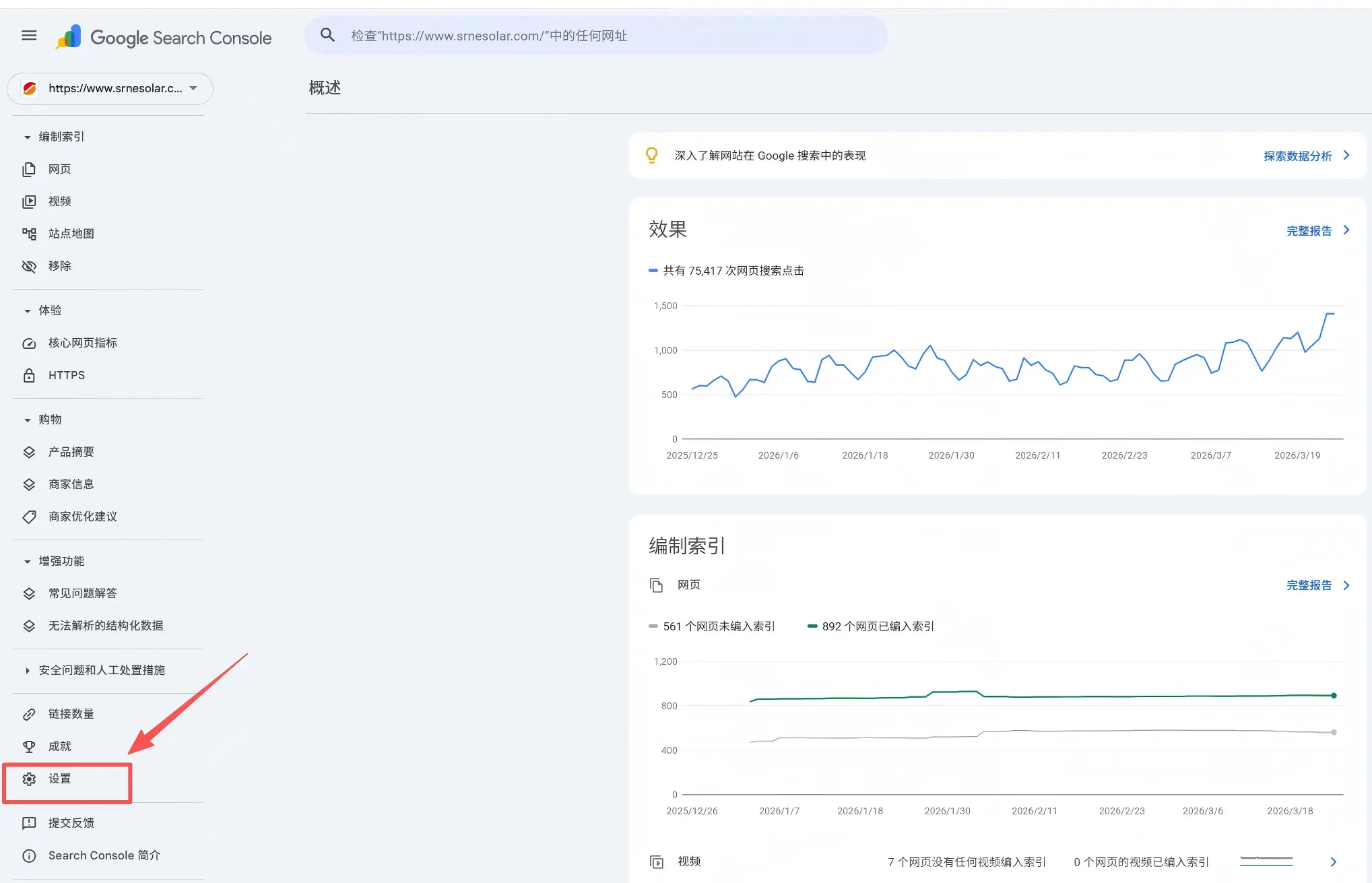
1. Using an account with full privileges, open the Google Search Console homepage, scroll down to the bottom left corner and click Settings;
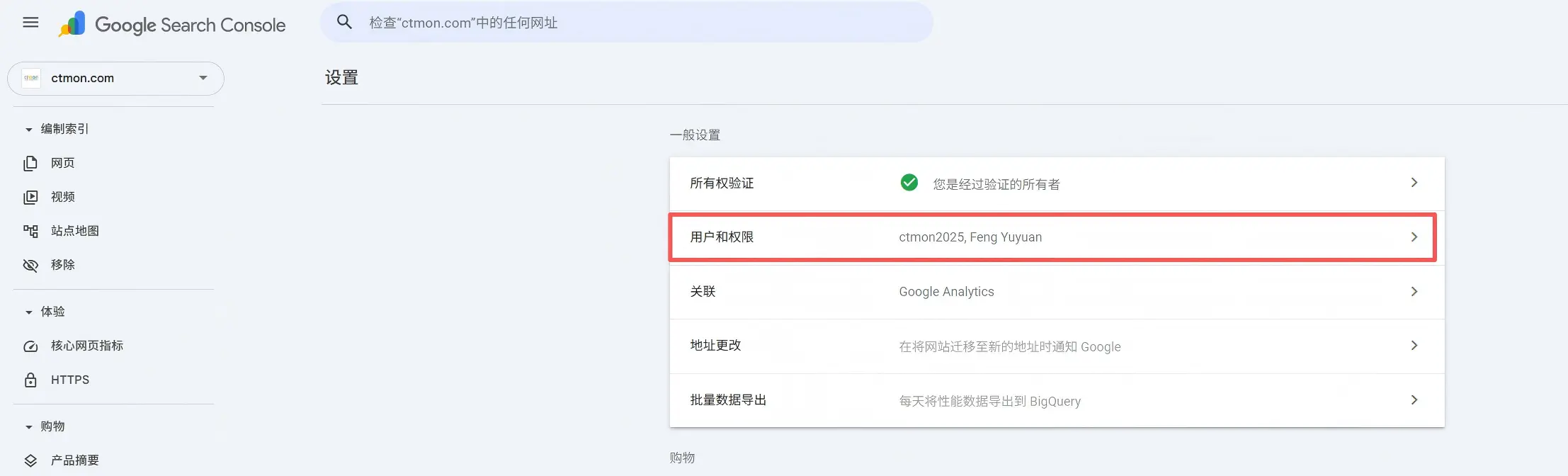
2. Click "Users and Permissions"
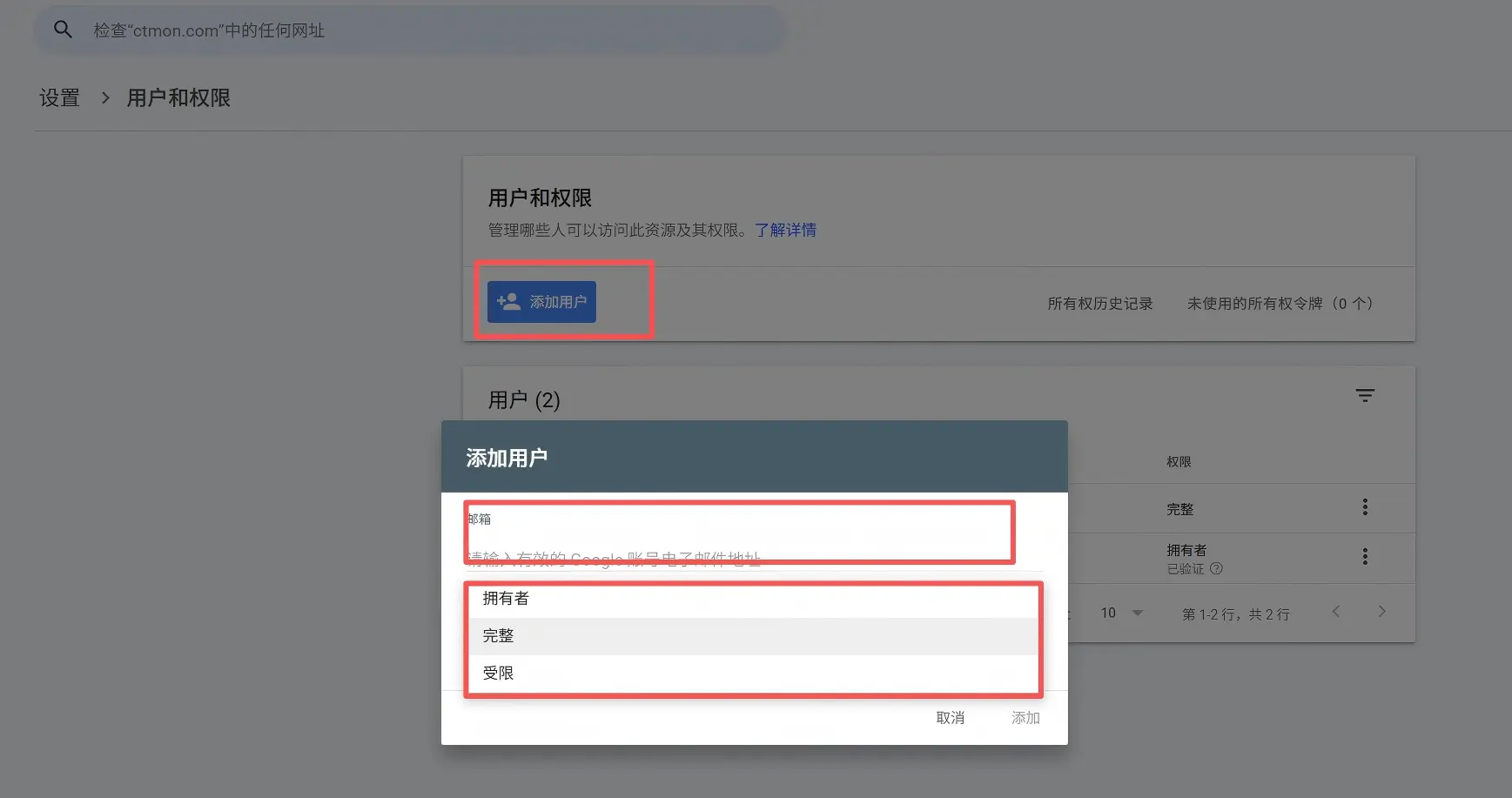
3. In the Users and Permissions section, click Add User, add the authorized person's Gmail email address, assign the corresponding permissions, and click Add.
The above outlines the installation and licensing process for Google Search Console. As the official and authoritative data platform, Google Search Console is an essential tool for acquiring organic traffic for your website's SEO. If you encounter any problems during the installation and licensing process, please leave a private message. We will update you with the latest platform-specific steps and settings.

What does international social media management service include? 2026 Guide to Social Media Management for Export Businesses
2026-10-28

How to write a WordPress product page that will make overseas buyers want to send inquiries?
2026-10-28

How to fix WordPress form emails not sending: Practical WP Mail SMTP configuration
2026-10-27

Are foreign trade promotion companies reliable? Six key criteria for businesses to judge promotion service providers in 2026.
2026-10-26

How do I set up an email account for export businesses? How can I configure it to avoid it ending up in the spam/junk mail folder?
2026-10-26
Related Articles
What are the differences between Google SEO and Google Ads? Which should B2B export businesses do first?

2026 Shenzhen Google SEO Optimization Company Recommendations: Service Provider Comparison and Selection Guide
How to improve Google rankings through SEO optimization for international trade? 7 practical methods and steps.

Recommended Shenzhen B2B export website operation company: How to choose a suitable international lead generation service provider for your enterprise?

Why is the Google ranking of Shenzhen export businesses' business websites not improving?

