Contents +
2026 Google SEO for Beginners - A Guide to Free Keyword Research Tools
Source: 创同盟
Date: 2026-05-20
Views: 831
Foreword
SEO tools are key to optimizing websites, improving rankings, and streamlining workflows—and many excellent tools are free. Below is a selection of free SEO tools trusted by professionals across all areas of search engine optimization.
Whether you're a SEO beginner or a seasoned strategist, these tools cover all the core functionalities: keyword research, technical auditing, link building, performance tracking, and more. From Google's free webmaster resources to open-source crawlers and browser extensions, each tool we've handpicked is efficient, reliable, and truly valuable.
Here you'll find essential industry tools, hidden gems, and tips on combining various tools to improve efficiency. Start building your SEO toolkit today—explore different tools and resources to enhance your SEO knowledge. Below is an expanded introduction to the keyword research toolkit:
1. Google Ads Keyword Planning Tool
Google Keyword Planner is a free keyword search tool that helps businesses operate websites and manage ad campaigns by creating keyword lists for search ads. It also includes a keyword generator; you can use the "Discover New Keywords" option to search for keywords. Furthermore, it supports keyword expansion in different languages and target countries, and provides valuable data such as search volume, competition, and ad bids for specific phrases.
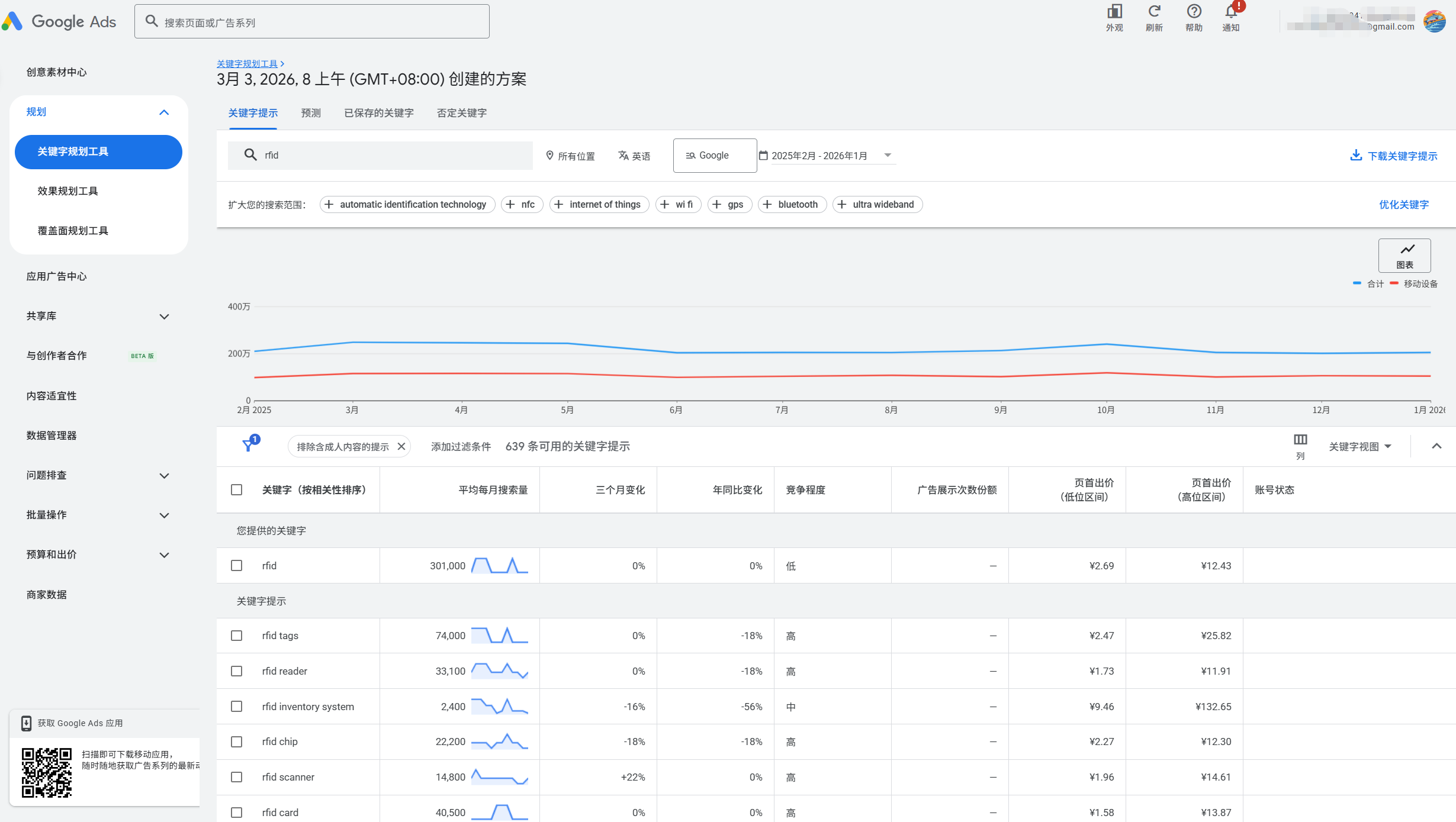
https://business.google.com/en-all/ad-tools/keyword-planner/
2. Google Trends
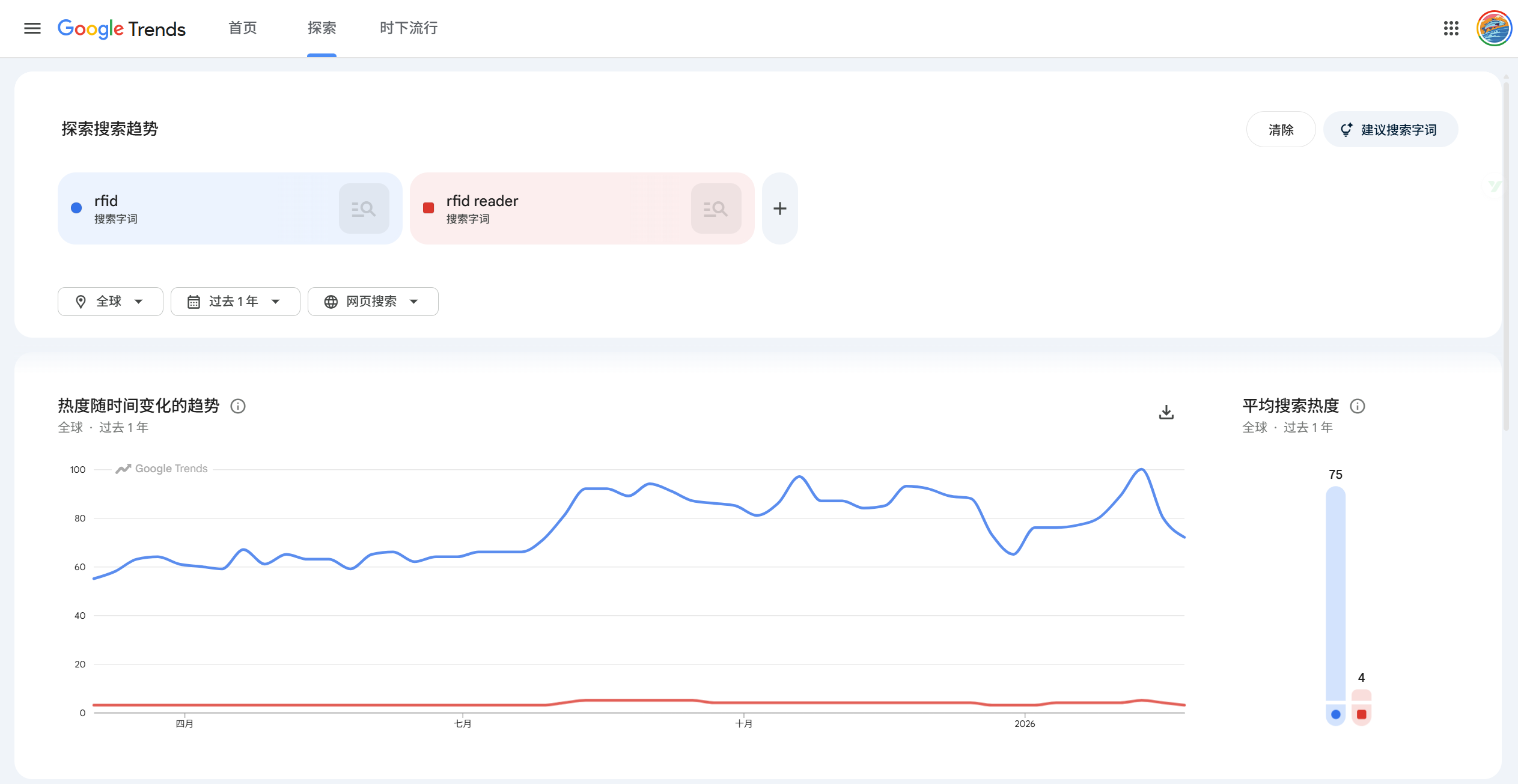
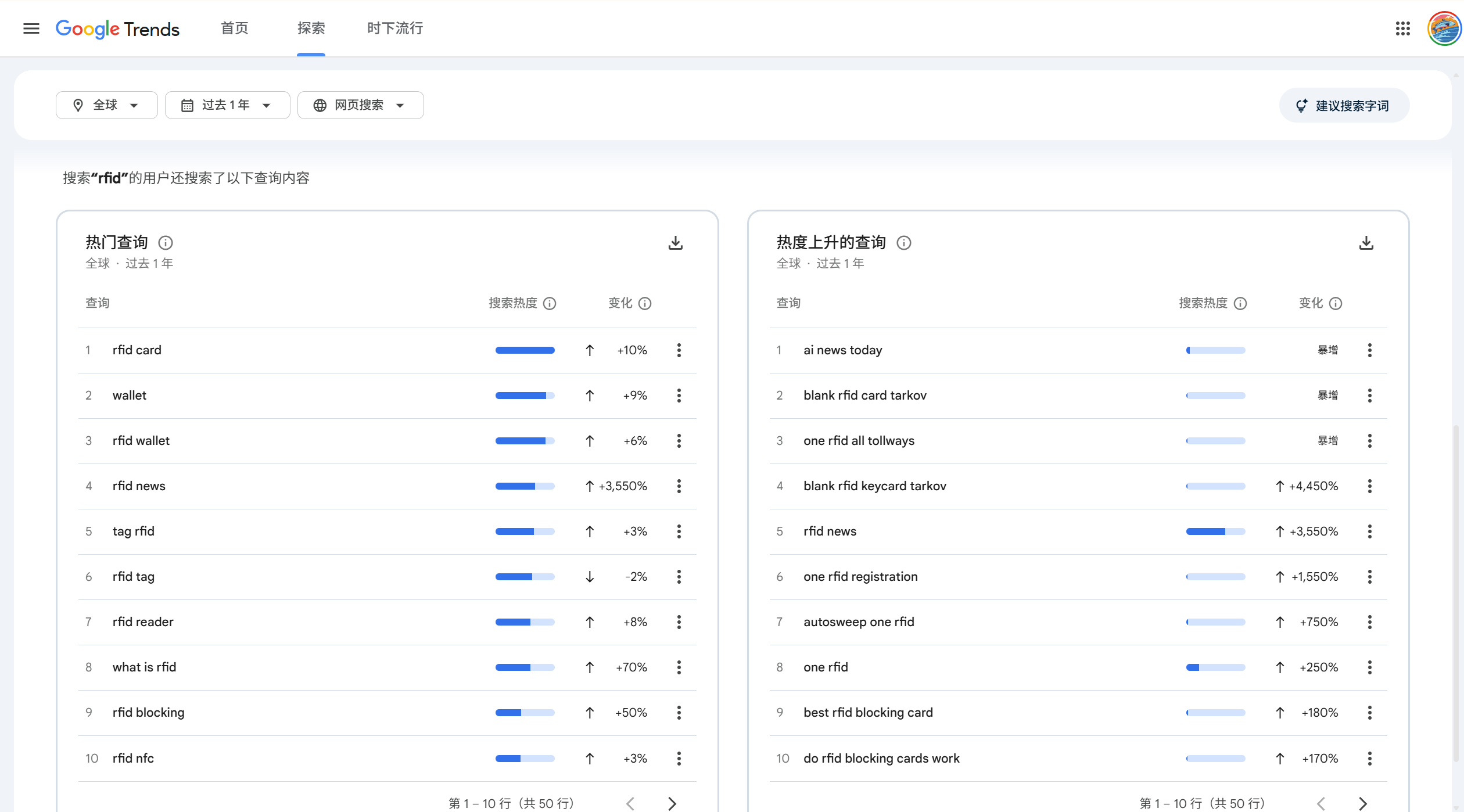
Explore Google Trends using our free Trend Explorer tool. This data is grouped by topic, providing the most comprehensive understanding of what people are searching for. You can also search for single search terms. When you enter a keyword into your query, a dropdown list will appear. At the top are the words you entered. Below, you'll see a list of topics that Google Trends believes you might be trying to research.
To better understand the difference between topics and search terms, explore both the search terms and topics with the same title. You'll notice the results look different.
3、Bing Webmaster Tools
Bing Keyword Research Tool takes your target keyword as input and provides suggestions for matching and other related keywords. A search box at the top of the tool allows you to enter the target keyword you want to research. By default, the tool also lists some keywords that drive traffic to your website and their corresponding search volume trends. Clicking on any of these keywords will trigger a search, and that keyword will be used as the target keyword.
As a user, you can apply filters based on country, language, and device to obtain detailed information for specific scenarios. You can also retrieve results for any time period within the past six months. By default, these filters retrieve results for all countries, languages, and devices within the past three months.

Keyword research provides search volume and trend information for keywords. This research also offers segmented global search volume data, clearly showing which countries/regions have the most users searching for this keyword.
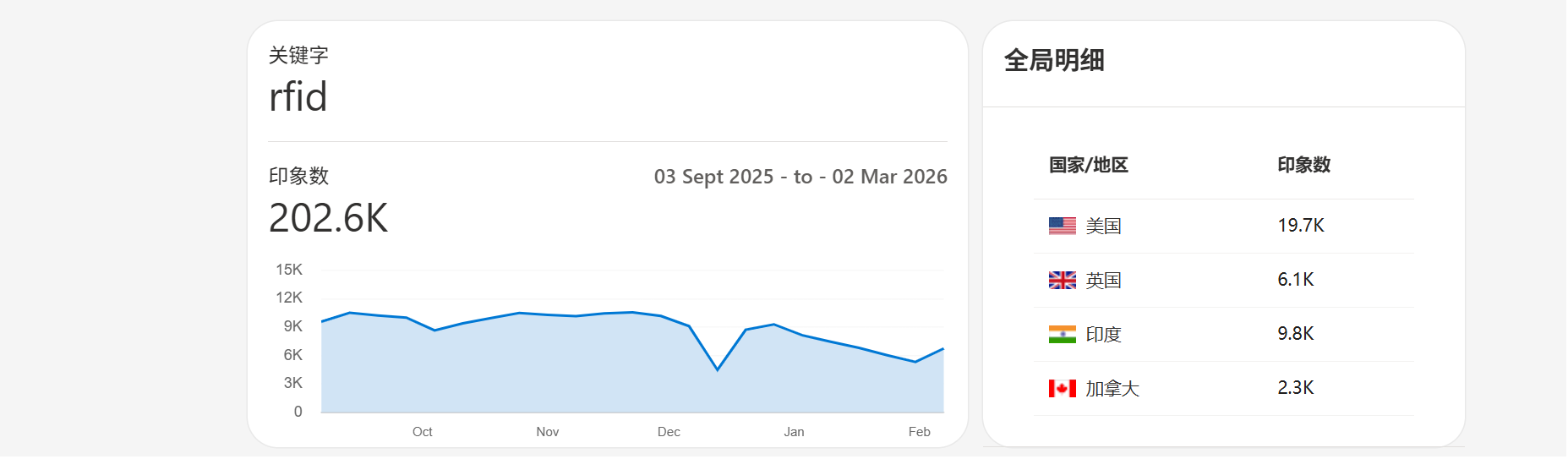
As shown above, all filters apply to all data points, but the country/region filter does not apply to global segmented data.
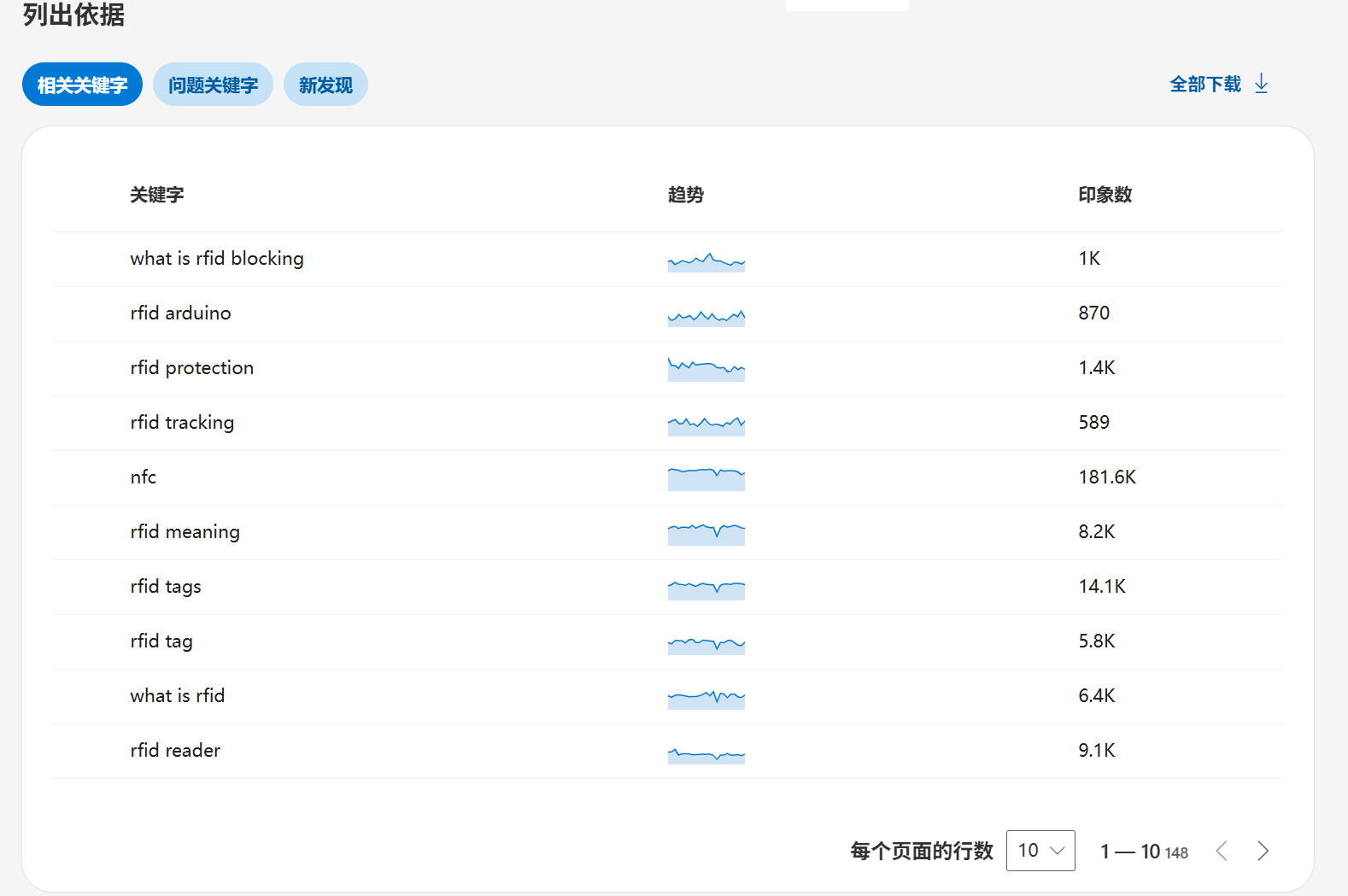
This tool will recommend keywords based on the following three keyword lists:
Related Keywords – These are suggestions from Bing that it considers relevant to the root keyword. By default, these keywords are sorted by their relevance to the root keyword.
Question Keywords – This section contains specific questions asked by users based on keyword suggestions in “Related Keywords.” This section provides you with specific information about what users are searching for around these keyword suggestions.
Newly discovered keywords – This is a subset of related keywords that have only been relevant to the root keyword within the past 30 days. Note that these are not keywords that searched for in the past 30 days.
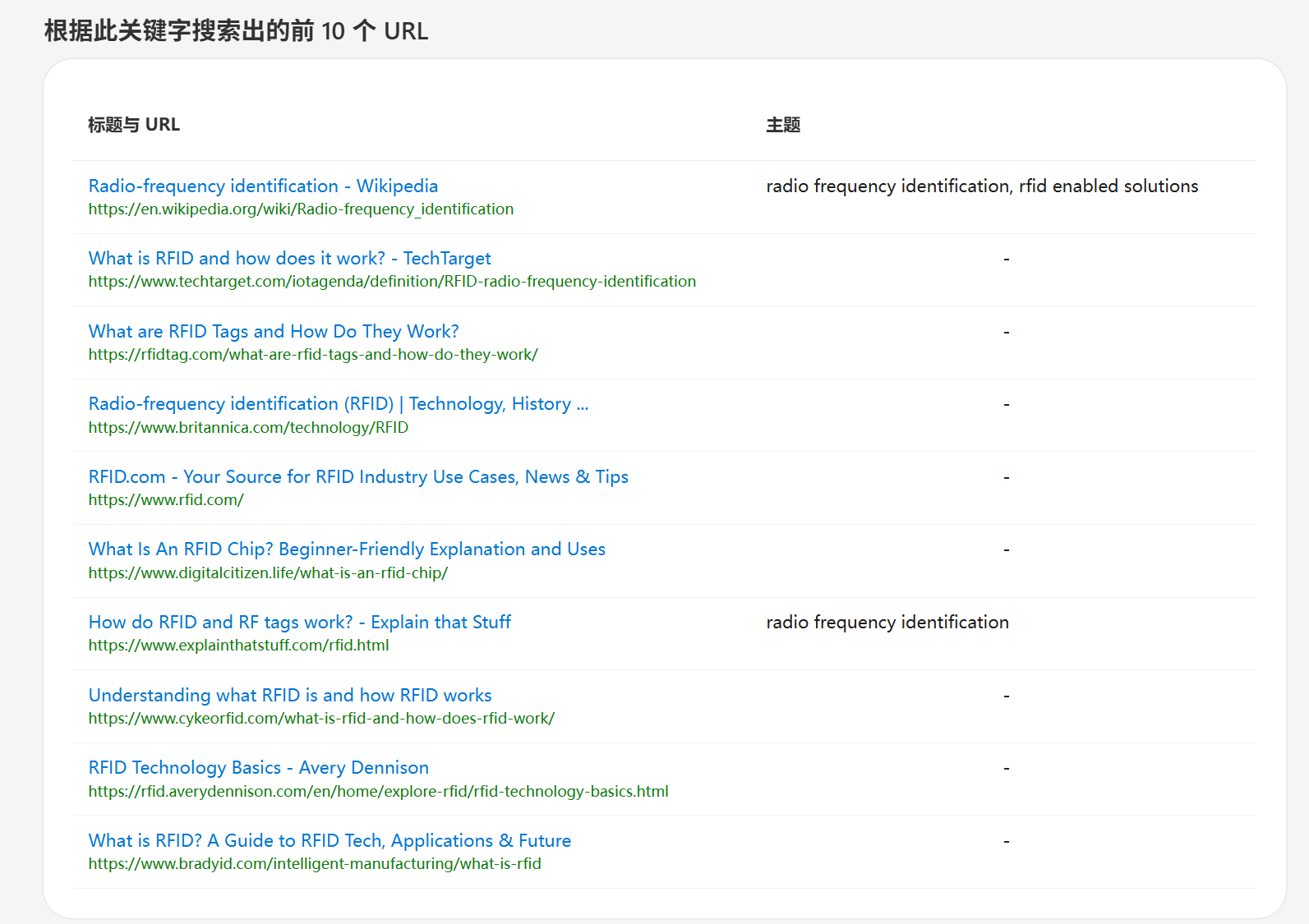
Bing's keyword research tool also lists the top ten websites in the root keyword search results and their related topics. These topics are determined by Bing's content processing logic and represent areas that Bing considers relevant. Because these results also appear in the root keyword search results, users can use these related topics as new root keywords to gain more inspiration if they want to expand their search.
https://www.bing.com/webmasters/keywordresearch?
4. Ahrefs Keyword Generator
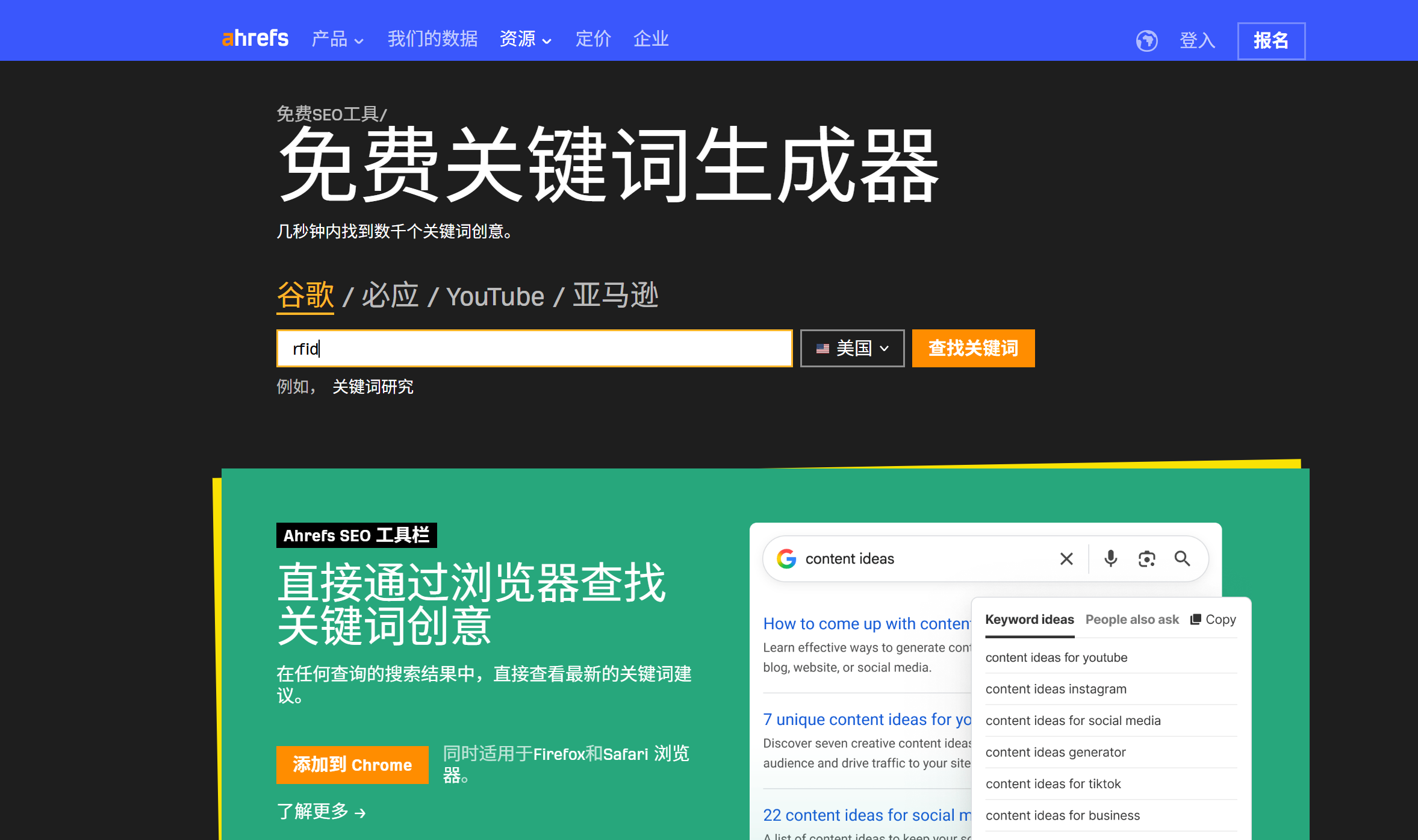
Find relevant keywords in a database of over 8 billion queries. Choose from six keyword recommendation reports by entering up to ten words or phrases. Find easily ranking keywords by combining various filtering criteria to identify untapped keywords with high organic traffic potential and low keyword difficulty. Identify long-tail keywords by finding keyword groups with the same parent theme to discover long-tail variations and sub-topics.
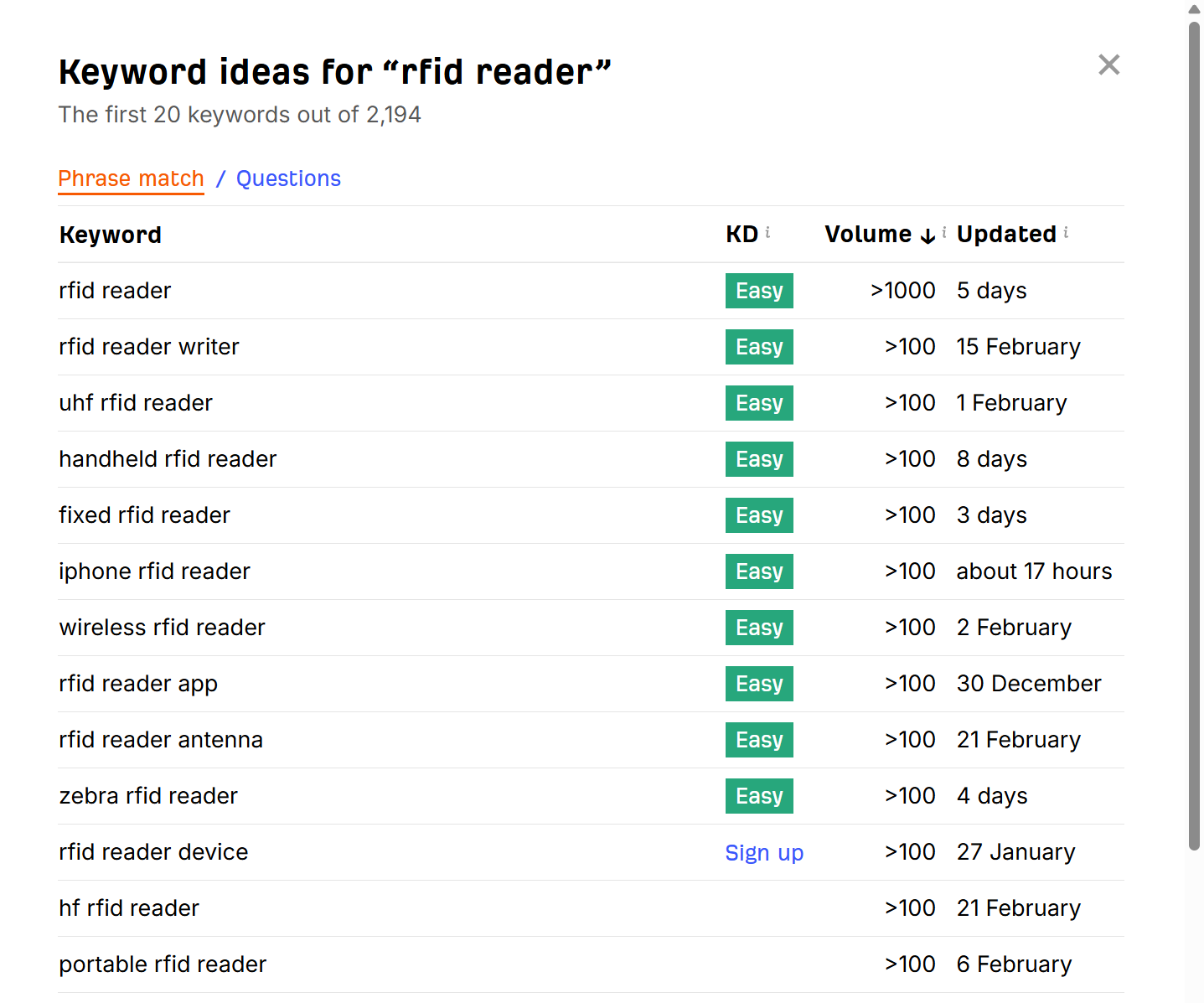
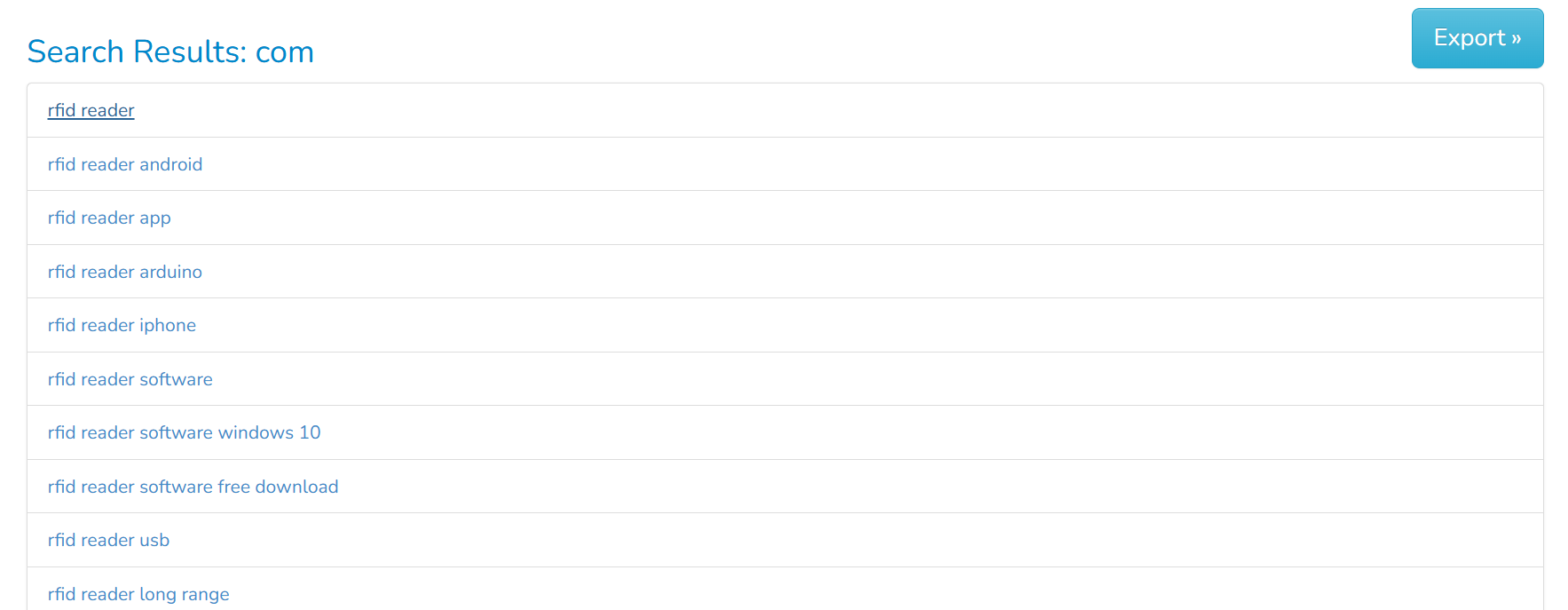
Below are the keyword expansion results I got when I entered the target keyword "rfid reader" into the keyword tool.
https://ahrefs.com/keyword-generator
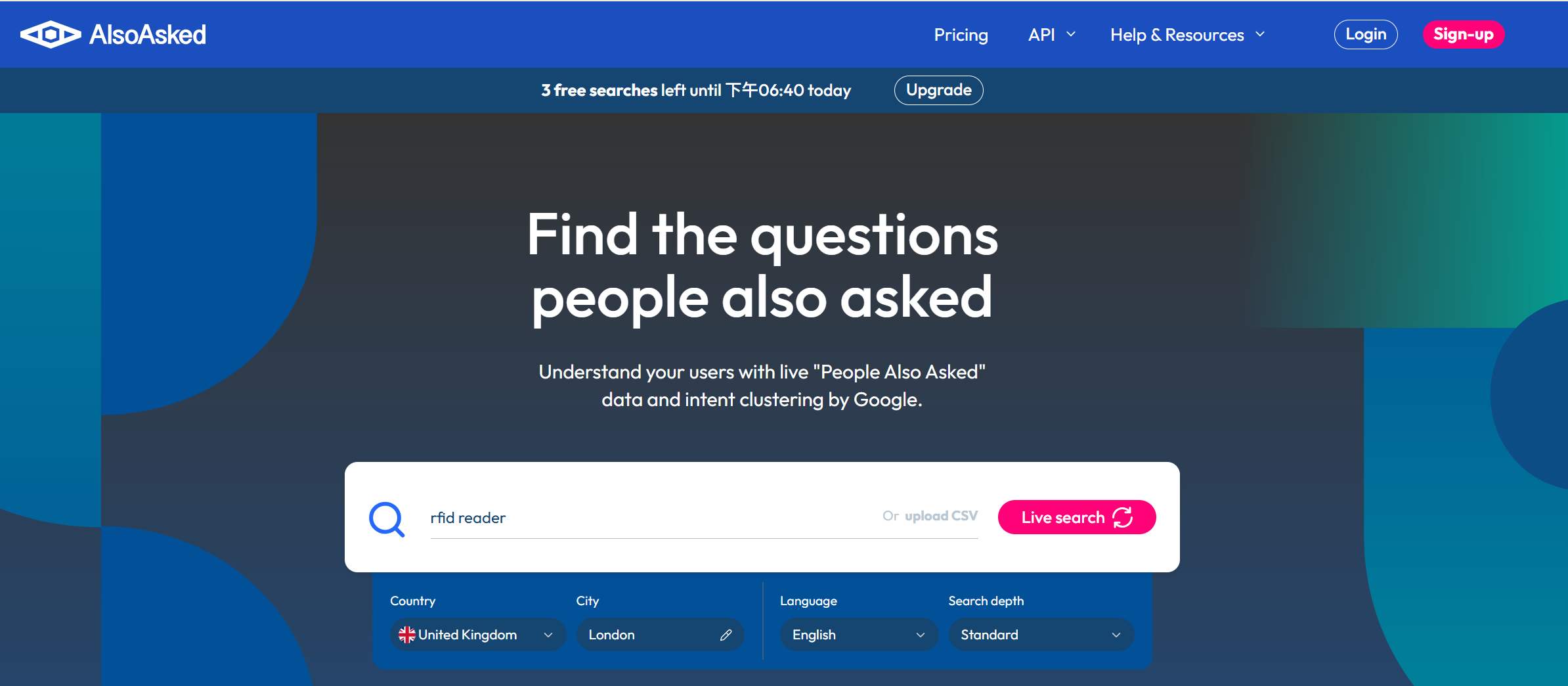
5. AlsoAsked Free Keyword Tool
Searching for relevant keywords in the AlsoAsked search box will give you the types of keywords you want to expand on. Note: Daily free attempts are limited.
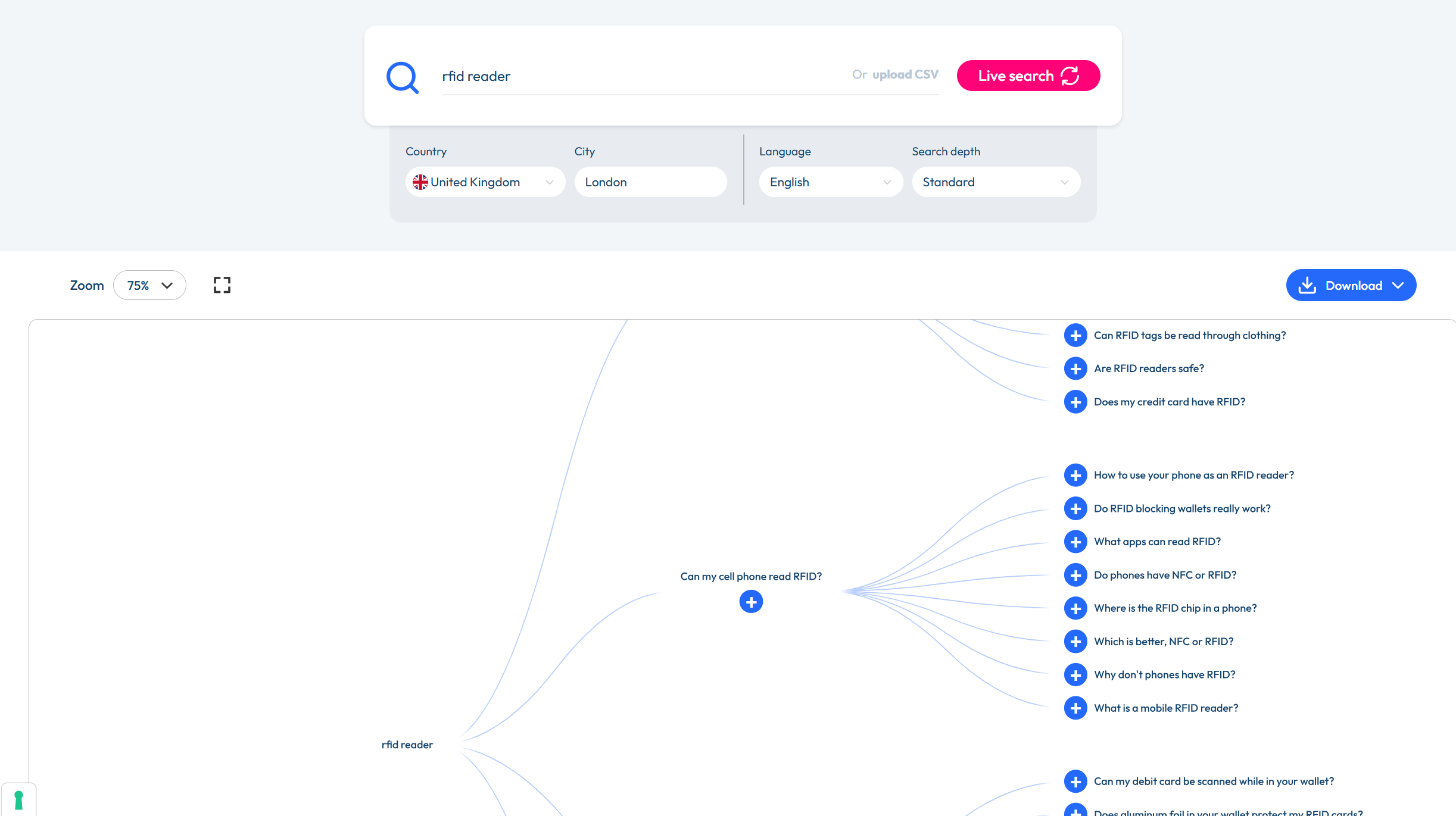
By searching for keywords, the thematic structure of the categories can be obtained, and the keywords or questions can be categorized according to the themes.
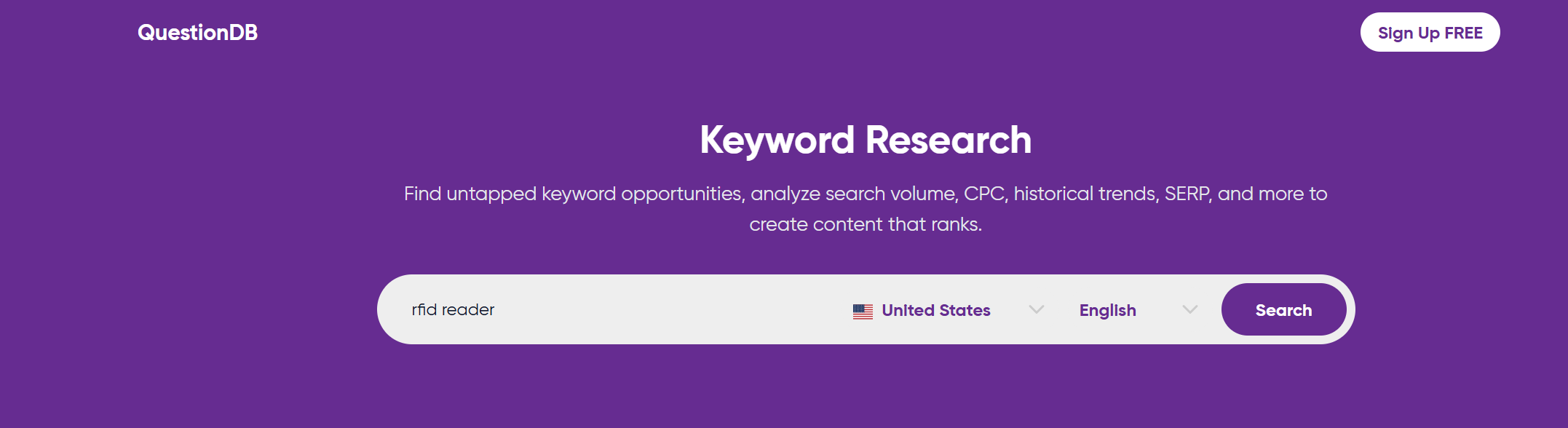
6. QuestionDB Free Keyword Tool
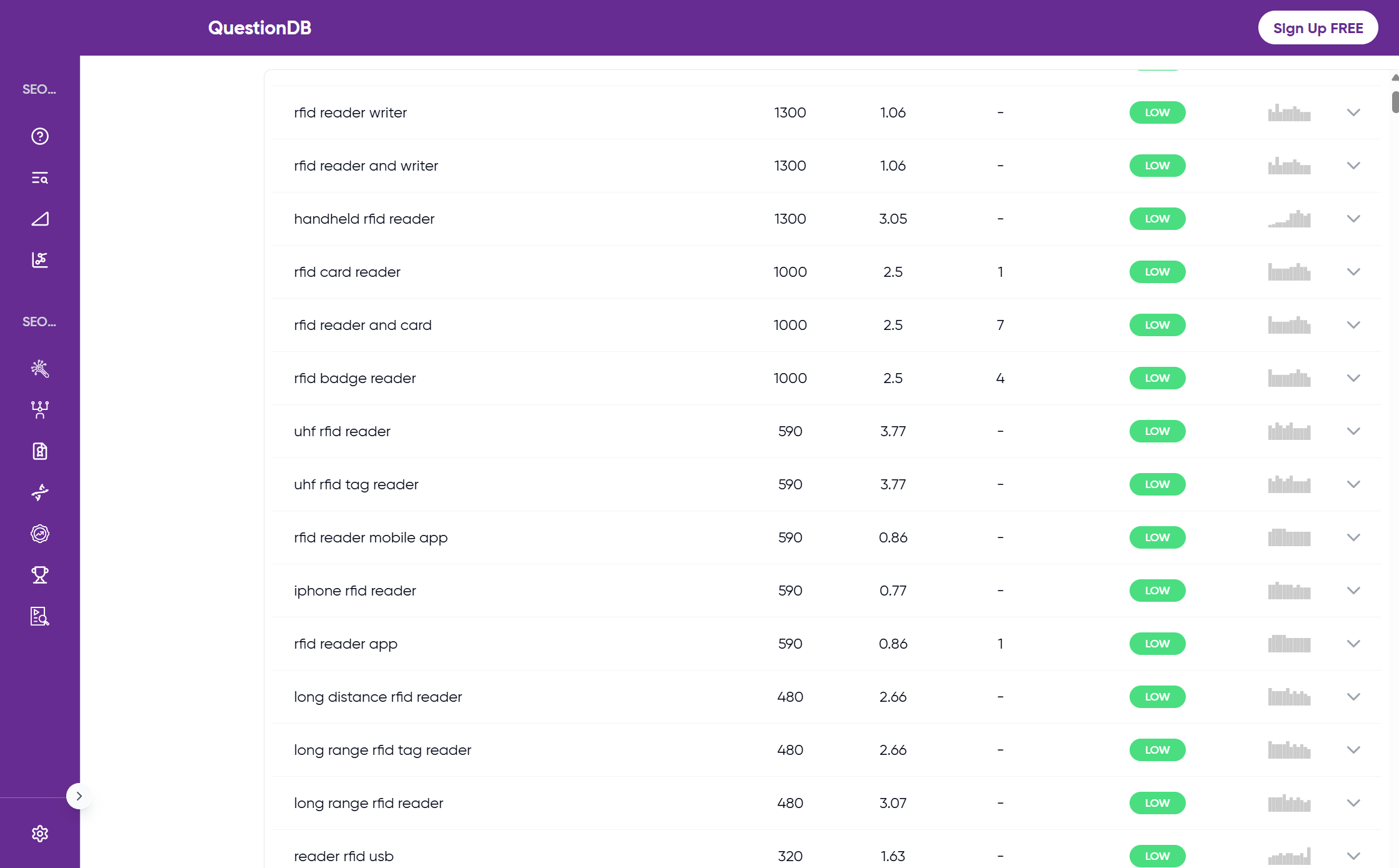
Make smarter, data-driven decisions with our comprehensive keyword metrics. QuestionDB provides detailed information for each keyword, including search volume, search intent, cost-per-click (CPC), difficulty level, competition level, historical trends, and search results page (SERP) type.
Understanding search intent and trends helps you prioritize keywords that align with your marketing budget and goals. Our metrics provide the data you need to precisely target keywords, optimize your SEO strategy, and reach a wider audience in less time.
Keyword data includes SERP types such as AI overviews, helping you make smarter choices when deciding whether to target specific keywords.
https://questiondb.io/keyword-research
7. WordStream Free Keyword Tool
Discover new keywords and performance data that can be used for website content, Google Ads campaigns, and more. Find new keywords.
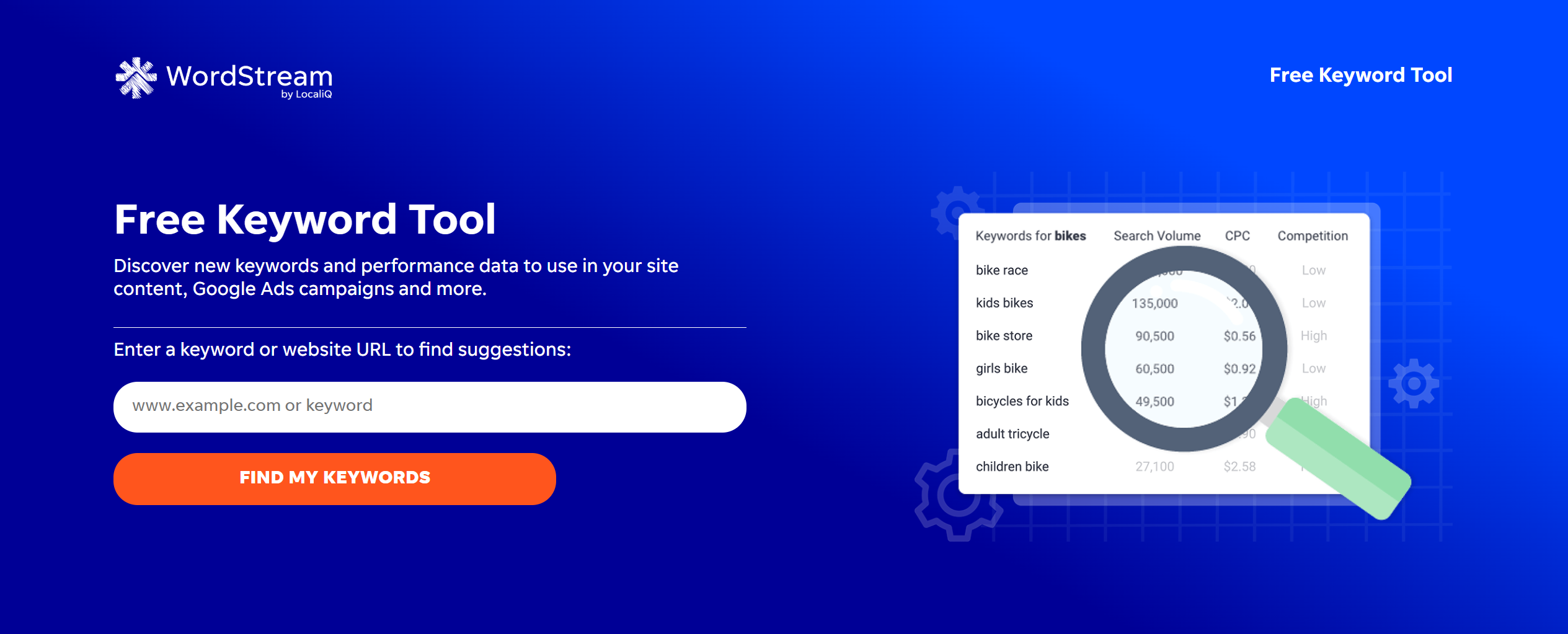
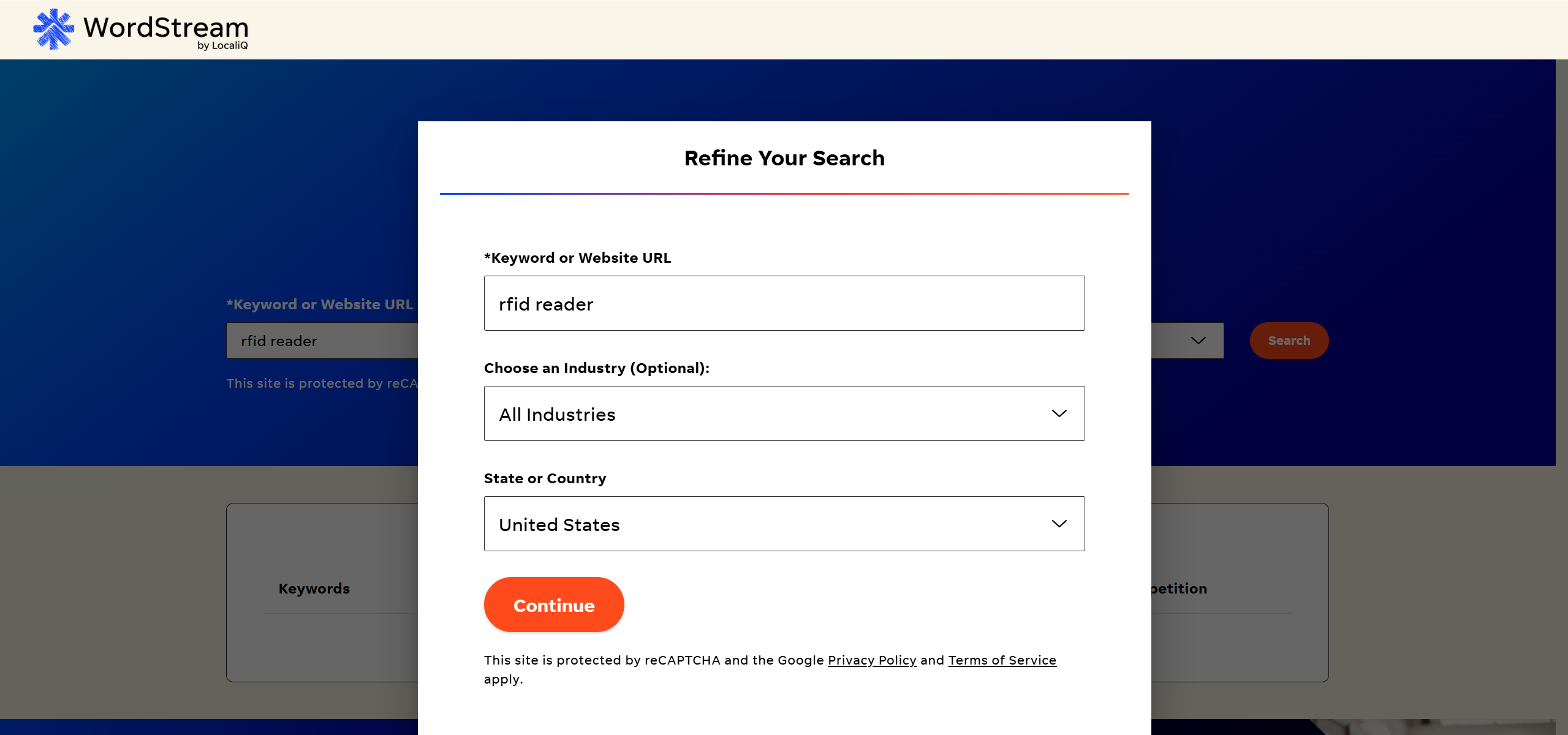
① Enter keywords or website URLs to get hundreds of keyword search results related to your industry and location.
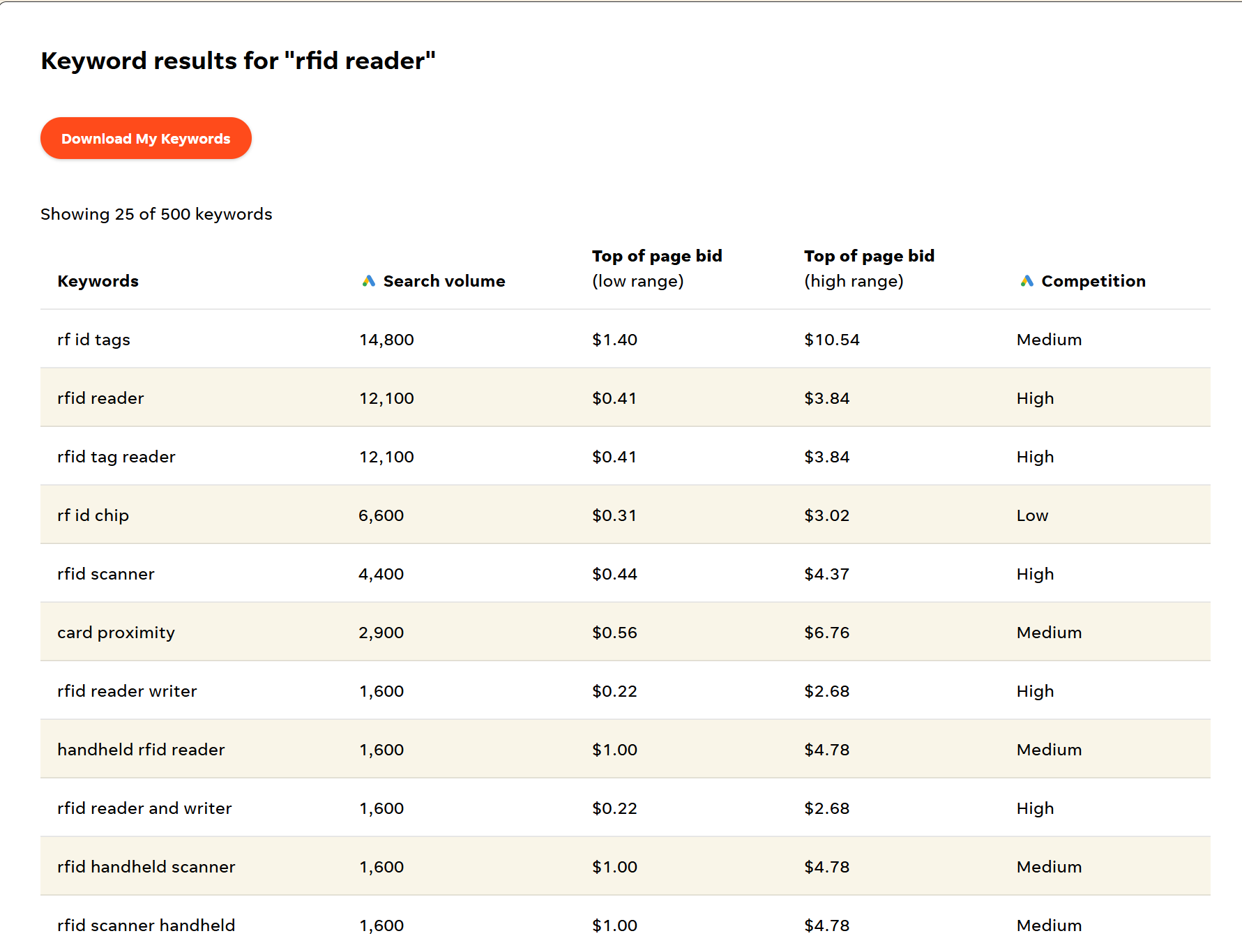
② Research and Prioritization: Accurate keyword search volume and cost-per-click data can help you find the right keywords for targeting and maximize your marketing budget.
③ Make keywords work: Download the complete list of keywords for use in SEO content and search advertising campaigns.
https://www.wordstream.com/keywords?
8. SuggestMrx Keyword Suggestion Tool
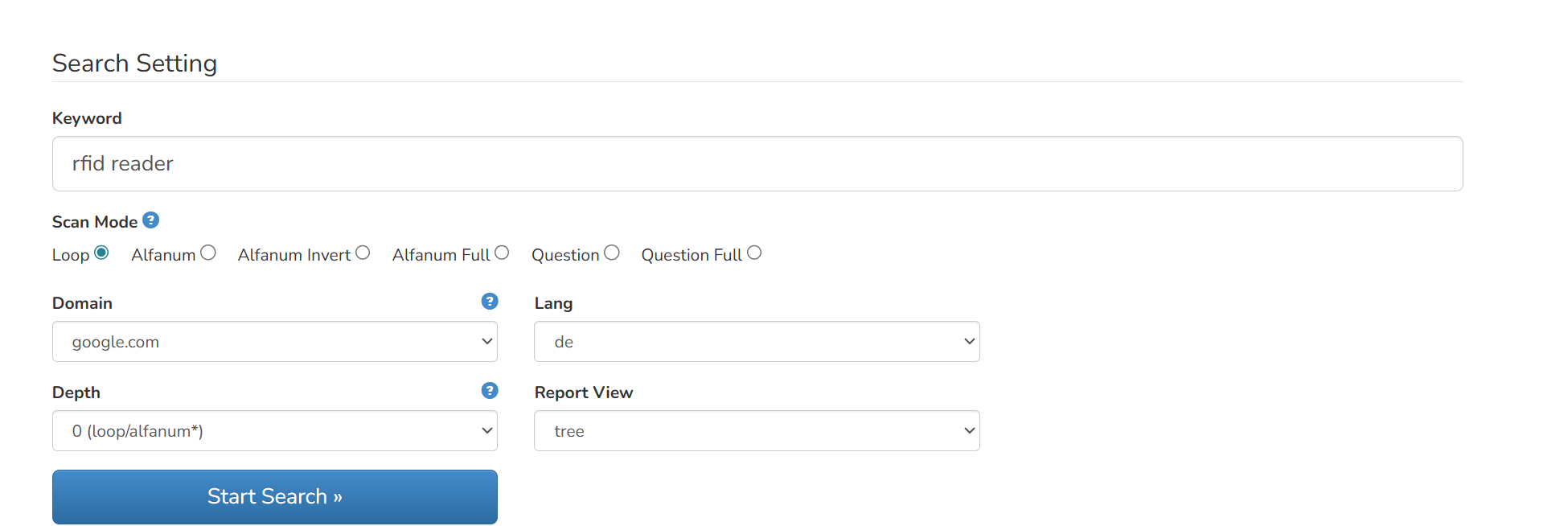
SuggestMrx is a tool that extracts and displays keyword suggestions from major search engines such as Google, YouTube, and Amazon. SuggestMrx's value lies in its ability to primarily analyze user-input queries, but it can also recursively analyze search results. Furthermore, it can analyze queries that include alphanumeric characters or interrogative words.
https://www.suggestmrx.com/index-en.php
9、Keyword Surfer
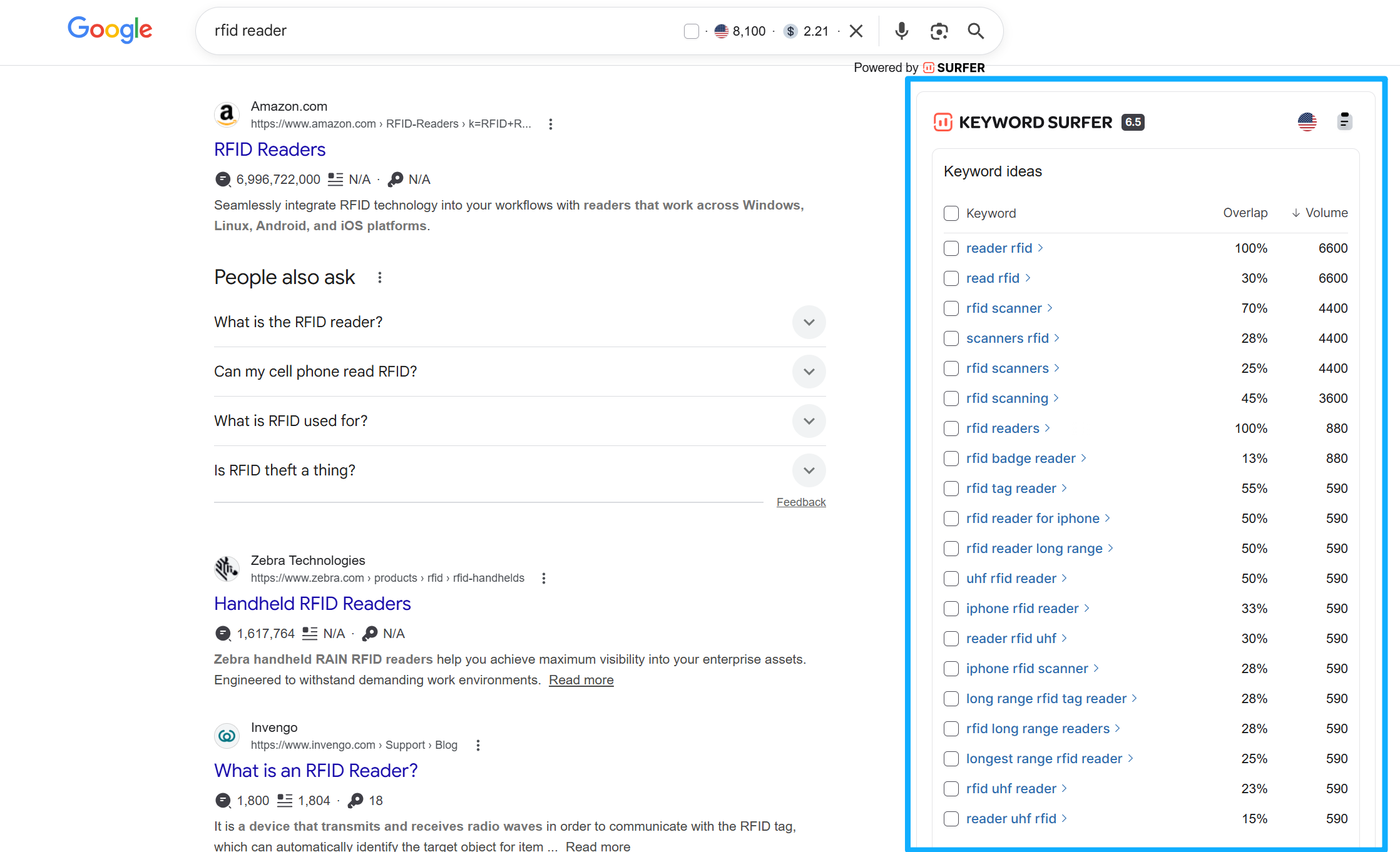
Keyword Surfer lets you generate keyword ad copy and view search volume directly from Google search results. Keyword Surfer generates fresh keyword ad copy and search volume directly from your Google search results. Every time you search on Google, you'll discover valuable insights into search volume, CPC, keyword suggestions, related terms, visibility metrics, and page data.
Download the extension and add it to any Chromium-based search engine. After adding it, be sure to grant the extension the necessary access permissions for it to function properly. You can then start searching on Google. Tern-Keyword Surfer will appear in the sidebar of the Google results page, although you may need to scroll down to see it.
https://chromewebstore.google.com/detail/keyword-surfer/bafijghppfhdpldihckdcadbcobikaca?hl=en
10. Larseo Keyword Finder
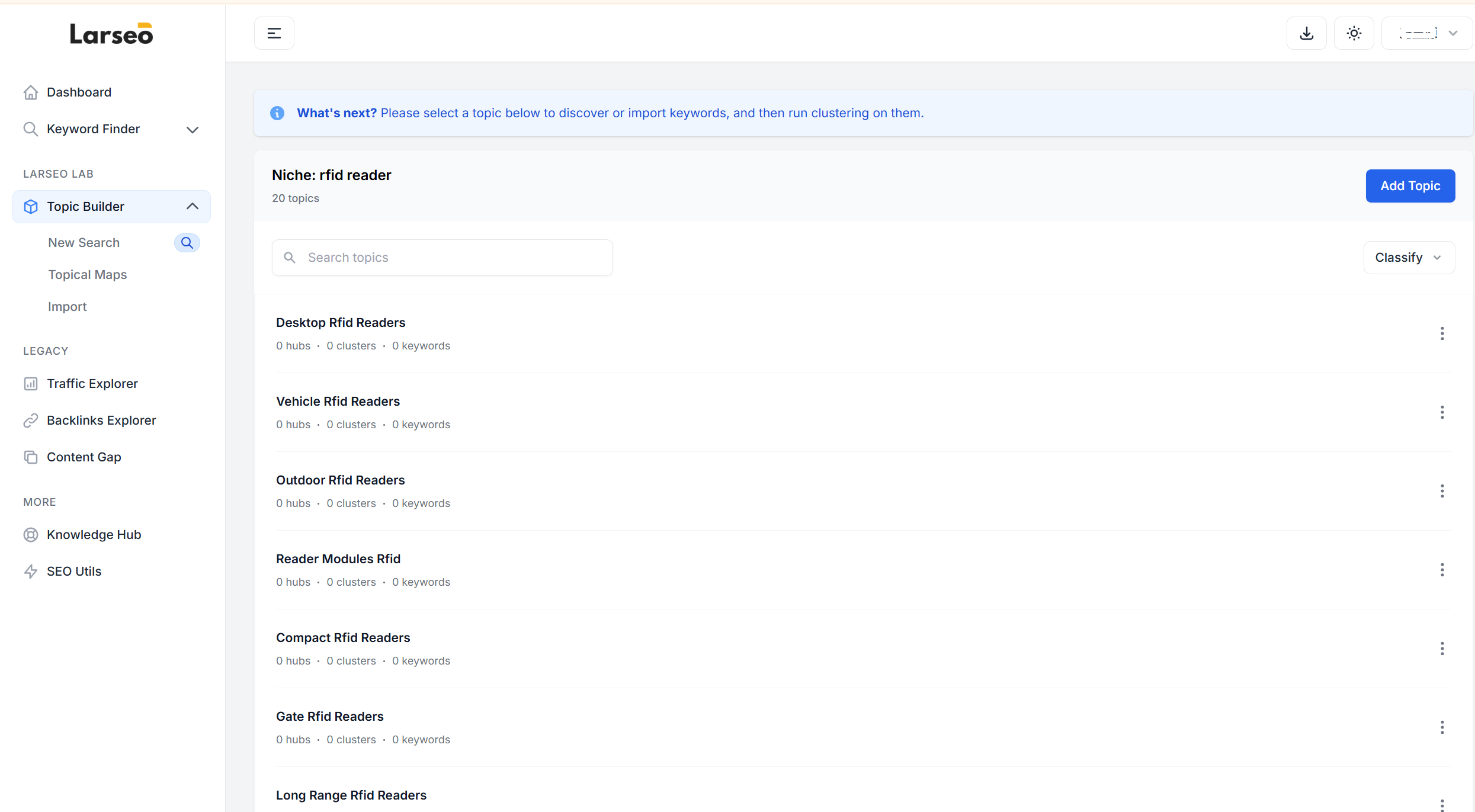
Obtain long-tail keywords directly from Google's autofill feature. Analyze search engine results pages (SERPs) to identify weak pages with lower rankings (user-generated content/forum rankings) and collect their backlinks and traffic data. Use "within-theme" and "entity" patterns to find untapped keywords. Cluster keywords using SERPs or semantic clustering.

What does international social media management service include? 2026 Guide to Social Media Management for Export Businesses
2026-10-28

How to write a WordPress product page that will make overseas buyers want to send inquiries?
2026-10-28

How to fix WordPress form emails not sending: Practical WP Mail SMTP configuration
2026-10-27

Are foreign trade promotion companies reliable? Six key criteria for businesses to judge promotion service providers in 2026.
2026-10-26

How do I set up an email account for export businesses? How can I configure it to avoid it ending up in the spam/junk mail folder?
2026-10-26
Related Articles
What are the differences between Google SEO and Google Ads? Which should B2B export businesses do first?
2026 Shenzhen Google SEO Optimization Company Recommendations: Service Provider Comparison and Selection Guide
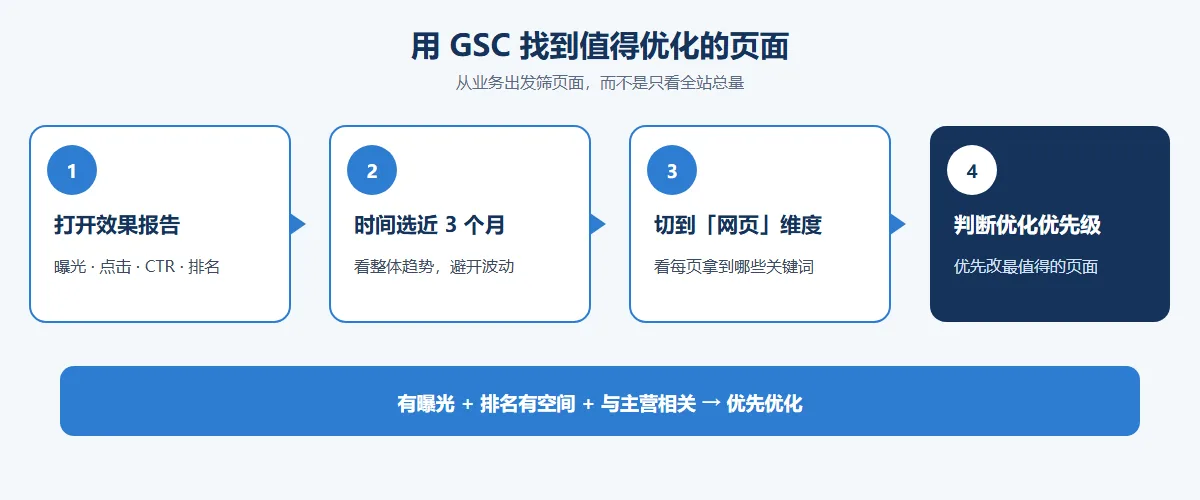
How to improve Google rankings through SEO optimization for international trade? 7 practical methods and steps.
Recommended Shenzhen B2B export website operation company: How to choose a suitable international lead generation service provider for your enterprise?

Why is the Google ranking of Shenzhen export businesses' business websites not improving?

